RC Correction Online on Parivahan | Correct Vehicle RC Details
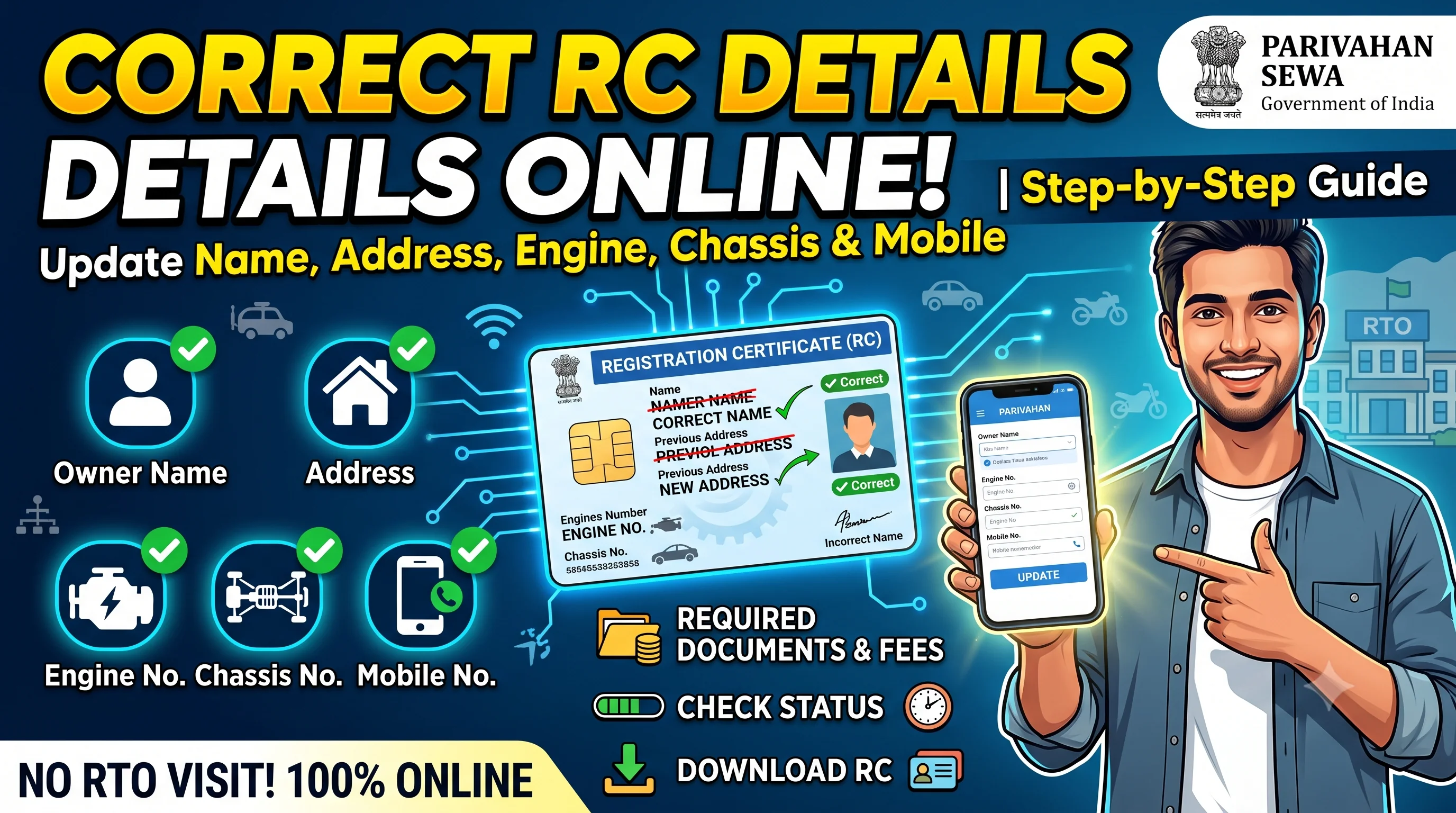
Start on the official Parivahan portal
Opens the official Parivahan portal in a new tab.
RC Correction – Quick Overview
| Details | Information |
|---|---|
| Service | RC Correction |
| Portal | Parivahan Vehicle Services |
| Authority | Regional Transport Office (RTO) |
| Mode | Online & Offline |
| Applicable For | Cars, Bikes, Scooters & Commercial Vehicles |
| Processing Time | Varies by State |
| Status Tracking | Available Online |
| Updated RC | Download After Approval |
Quick Answer
RC Correction is the process of correcting incorrect information recorded in your vehicle's Registration Certificate (RC). If your RC contains errors such as a wrong owner name, address, engine number, chassis number, fuel type, or other registration details, you should apply for RC Correction through the Regional Transport Office (RTO) or the official Parivahan portal.
After submitting your correction request, you can Check RC Status to monitor the application. Once approved, verify the updated information using RC Details and Download RC Online to keep a digital copy of the corrected Registration Certificate.
Table of Contents
What is RC Correction?
A Registration Certificate (RC) is an official government document that contains important details about your vehicle and its registered owner. These details are used by transport authorities, insurance companies, financial institutions, and law enforcement agencies.
If any information recorded in the Registration Certificate is incorrect, outdated, or entered by mistake, it should be corrected immediately through the official RC Correction process.
Common corrections include:
- Owner name correction
- Address correction
- Engine number correction
- Chassis number correction
- Fuel type correction
- Seating capacity correction
- Colour correction
- Vehicle class correction
- Registration detail correction
Even a small mistake in the Registration Certificate can create problems while selling your vehicle, renewing insurance, transferring ownership, applying for a duplicate RC, or completing other RTO services.
Before applying for corrections, always Check RC Details to identify exactly which information needs to be updated.
Why is RC Correction Important?
Many vehicle owners ignore small errors in their Registration Certificate, assuming they are insignificant. However, incorrect vehicle records can create legal and administrative issues in the future.
Correct RC information helps you:
- Maintain accurate government records.
- Avoid ownership disputes.
- Simplify insurance claims.
- Complete vehicle resale smoothly.
- Apply for RC Renewal without delays.
- Transfer ownership successfully.
- Download accurate digital RC.
- Prevent document verification issues.
For example, if your owner's name is misspelled, the ownership transfer process may be delayed. Similarly, incorrect engine or chassis numbers can create verification issues during vehicle inspections or insurance claims.
When Should You Apply for RC Correction?
You should apply for RC Correction whenever you discover incorrect information in your Registration Certificate.
Some common situations include:
Wrong Owner Name
Your name may have been entered incorrectly during vehicle registration due to a typing mistake or document error.
Incorrect Address
If your address has been entered incorrectly during registration, it should be corrected to ensure future RTO communications are delivered properly.
If you have permanently changed your residence rather than correcting a mistake, the appropriate service may be RC Update instead of RC Correction.
Wrong Engine Number
The engine number recorded in the Registration Certificate should exactly match the vehicle. Incorrect engine details can cause problems during inspections and ownership verification.
Wrong Chassis Number
Since the chassis number uniquely identifies a vehicle, any mismatch should be corrected immediately.
Incorrect Fuel Type
Sometimes petrol, diesel, CNG, electric, or hybrid vehicle details are entered incorrectly. Incorrect fuel type may affect future documentation and taxation.
Incorrect Vehicle Class
If the vehicle category has been recorded incorrectly, the Registration Certificate should be updated to reflect the correct class.
Types of RC Corrections
Different types of corrections require different supporting documents.
| Correction Type | Applicable |
|---|---|
| Owner Name | ✅ |
| Address | ✅ |
| Engine Number | ✅ |
| Chassis Number | ✅ |
| Fuel Type | ✅ |
| Vehicle Colour | ✅ |
| Vehicle Class | ✅ |
| Seating Capacity | ✅ |
| Manufacturing Details | Where Applicable |
Knowing the exact type of correction before applying helps reduce delays and document verification issues.
RC Correction vs RC Update
Many users confuse these two services.
| RC Correction | RC Update |
|---|---|
| Corrects incorrect information already recorded in the RC. | Updates information that has genuinely changed. |
| Used for typing mistakes and incorrect entries. | Used for new mobile number, address change, or other updated details. |
| Fixes errors. | Updates current information. |
If your mobile number has changed after registration, visit RC Update instead of applying for RC Correction.
RC Correction vs Duplicate RC
Another common misunderstanding is between RC Correction and Duplicate RC.
| RC Correction | Duplicate RC |
|---|---|
| Corrects information. | Replaces a lost or damaged RC. |
| Existing RC remains valid after correction. | A new RC is issued. |
| Used when details are wrong. | Used when the document is unavailable. |
If your Registration Certificate has been lost, stolen, or damaged, apply for Duplicate RC rather than RC Correction.
Who Can Apply for RC Correction?
Generally, the following applicants are eligible:
- Registered vehicle owner.
- Authorized representative.
- Company representative (for company-owned vehicles).
- Legal representative with proper authorization.
The applicant should have valid supporting documents proving the requested correction.
Documents Required for RC Correction
Depending on the correction requested, different documents may be required.
Generally, applicants should keep:
| Document | Required |
|---|---|
| Original Registration Certificate | ✅ |
| Identity Proof | ✅ |
| Address Proof | ✅ |
| Vehicle Insurance Certificate | ✅ |
| Pollution Under Control (PUC) Certificate | ✅ |
| Supporting Proof for Correction | ✅ |
| Passport-size Photograph | If Required |
| Prescribed Application Form | ✅ |
| Applicable Fee Receipt | ✅ |
For example:
- Name correction may require identity documents.
- Address correction may require valid address proof.
- Engine or chassis correction may require vehicle inspection or manufacturer verification.
Providing the correct supporting documents helps avoid unnecessary delays.
Before Applying – Important Checklist
Before submitting your RC Correction request, complete the following checks:
- Verify all vehicle information through RC Details.
- Identify exactly which field requires correction.
- Keep valid insurance and PUC certificates ready.
- Arrange supporting proof for the requested correction.
- Ensure all uploaded documents are clear and valid.
- Keep copies of the acknowledgement receipt after submission.
Expert Tip
Do not apply for multiple correction requests separately if they relate to the same Registration Certificate. Wherever permitted, combine all required corrections into a single application to reduce processing time, paperwork, and multiple visits to the RTO.
How to Apply for RC Correction Online Through Parivahan
The Government of India allows eligible vehicle owners to request corrections in their Registration Certificate through the official Parivahan portal. Depending on your state, you can submit the correction request online, upload supporting documents, pay the applicable fee, and track the application status digitally.
Although many states support online applications, certain corrections—such as changes to the engine number or chassis number—may require physical verification by the Regional Transport Office (RTO).
Before starting your application, review your vehicle information using RC Details. Identifying all incorrect fields in advance helps avoid submitting multiple correction requests.
Step-by-Step Process to Apply for RC Correction Online
Follow these steps to apply for RC Correction through the official Parivahan portal.
Step 1 – Visit the Official Parivahan Portal
Open the official Vehicle Related Services portal and select your state or Regional Transport Office (RTO).
Always use the official government portal to avoid fraudulent websites or unnecessary service charges.
Step 2 – Select RC Correction Service
Navigate to Vehicle Related Services and choose the option for RC Correction or the applicable correction service offered by your state's RTO.
If your Registration Certificate has been lost or damaged, apply for Duplicate RC instead. If your Registration Certificate has expired, choose RC Renewal.
Step 3 – Enter Vehicle Details
Provide your vehicle registration number and other required information exactly as recorded in the Registration Certificate.
Incorrect vehicle details may delay document verification.
Step 4 – Upload Supporting Documents
Upload the required documents based on the correction requested.
These may include:
- Identity Proof
- Address Proof
- Insurance Certificate
- Pollution Under Control (PUC) Certificate
- Supporting document for correction
- Existing Registration Certificate
Ensure that all uploaded documents are clear, valid, and readable.
Step 5 – Pay the Applicable Fee
Pay the prescribed RC Correction fee using the available online payment methods.
Save the payment receipt and acknowledgement number for future reference.
Step 6 – Submit the Application
Review every detail carefully before final submission.
After successful submission, you'll receive an application reference number that can be used to Check RC Status throughout the correction process.
Offline RC Correction Process
If online services are unavailable or physical verification is required, you can apply directly at the concerned Regional Transport Office.
The offline process generally includes:
- Visit the Regional Transport Office.
- Collect the RC Correction application form.
- Fill in the required details.
- Attach supporting documents.
- Submit the application.
- Pay the prescribed fee.
- Complete verification if required.
- Receive the acknowledgement receipt.
Even for offline applications, you can usually monitor the progress through RC Status.
RC Correction Fees
The fee for correcting Registration Certificate details depends on several factors.
These include:
- Type of correction.
- Vehicle category.
- State transport rules.
- Smart Card issuance (where applicable).
- Applicable government charges.
The final amount is determined by the concerned Regional Transport Office.
How Long Does RC Correction Take?
Processing time depends on:
- Nature of the correction.
- State transport department.
- RTO workload.
- Document verification.
- Physical inspection requirements.
Submitting complete and accurate documents can significantly reduce processing time.
How to Check RC Correction Status
After submitting your application, you can monitor every stage of the correction process online.
Common status messages include:
| Status | Meaning |
|---|---|
| Application Submitted | Correction request received. |
| Documents Under Verification | Documents are being verified. |
| Pending Approval | Awaiting final approval. |
| Approved | Correction approved successfully. |
| Smart Card Printing | Updated RC is being prepared. |
| Dispatched | Corrected RC has been dispatched. |
| Completed | RC Correction successfully completed. |
Regularly checking your application helps you respond quickly if the RTO requests additional documents or clarification.
How to Download Corrected RC
Once your correction request has been approved, you should verify the updated Registration Certificate.
Check the following details carefully:
- Owner Name
- Address
- Engine Number
- Chassis Number
- Fuel Type
- Registration Number
- Vehicle Class
After verification, you can Download RC Online and keep a digital copy of the corrected Registration Certificate.
Common Reasons Why RC Correction Applications Are Rejected
Most correction requests are rejected because of incomplete documentation or incorrect information.
Some common reasons include:
- Incorrect supporting documents.
- Mismatched identity proof.
- Invalid address proof.
- Expired insurance certificate.
- Expired Pollution Under Control (PUC) certificate.
- Incorrect application form.
- Missing signatures.
- Insufficient proof for the requested correction.
Before reapplying, carefully review the rejection reason and correct the issue.
Common Mistakes to Avoid
Avoid these mistakes when applying for RC Correction:
- Applying for RC Update instead of RC Correction.
- Uploading unclear or blurred documents.
- Entering incorrect vehicle details.
- Ignoring insurance or PUC validity.
- Applying separately for multiple corrections when a combined application is allowed.
- Not checking the corrected RC after approval.
Taking a few extra minutes to verify your information before submission can prevent unnecessary delays.
Expert Tips for Faster RC Correction Approval
✔ Verify RC Details First
Always compare your Registration Certificate with your original vehicle documents before applying. Use RC Details to confirm the information recorded in government records.
✔ Keep Supporting Documents Ready
The correction request should always be supported by valid documentary evidence. Missing proof is one of the most common reasons for rejection.
✔ Track Your Application Regularly
Don't wait until the expected completion date. Use RC Status regularly to check if the RTO has requested additional documents or verification.
✔ Download the Updated RC
After approval, immediately Download RC Online and confirm that all corrected information appears accurately.
RC Correction vs RC Transfer
Many users are unsure whether they need RC Correction or RC Transfer.
| RC Correction | RC Transfer |
|---|---|
| Corrects existing information. | Changes vehicle ownership. |
| Owner remains the same. | New owner is registered. |
| Used for incorrect entries. | Used after buying or selling a vehicle. |
| Requires supporting proof. | Requires ownership transfer documents. |
If you have sold your vehicle, choose RC Transfer instead of RC Correction.
RC Correction vs RC Renewal
| RC Correction | RC Renewal |
|---|---|
| Corrects incorrect RC information. | Extends the validity of the Registration Certificate. |
| Used when information is wrong. | Used when the RC has expired. |
| Existing validity remains unchanged. | Validity period is extended after approval. |
If your Registration Certificate has expired, apply for RC Renewal instead of RC Correction.
Frequently Asked Questions (FAQs)
RC Correction is the process of correcting incorrect information recorded in a vehicle's Registration Certificate, such as the owner name, address, engine number, or chassis number.
Yes. Many states allow RC Correction applications through the official Parivahan portal, although some corrections may require an RTO visit.
You can monitor your application using RC Status after receiving your application reference number.
Yes. Once the correction is approved, you can Download RC Online and verify the updated information.
Commonly required documents include the Registration Certificate, identity proof, address proof, insurance certificate, PUC certificate, supporting correction documents, and the applicable application form.
Processing time varies depending on the state, document verification, and the nature of the correction requested.
In many cases, yes. If your RTO permits, submitting one application for multiple corrections can save time and reduce paperwork.
Review the rejection reason, arrange the correct supporting documents, and submit a fresh application after resolving the issue.
Yes. Even minor spelling errors in the Registration Certificate should be corrected to avoid future issues with insurance, ownership transfer, or legal verification.
Generally, no. A mobile number change is usually handled through RC Update rather than RC Correction.
No. RCDownloads.com is an independent informational website. Official vehicle-related services should always be completed through the respective government transport portals.
Final Thoughts
Keeping your Registration Certificate accurate is just as important as keeping it valid. Incorrect owner information, address details, engine numbers, or chassis numbers can create unnecessary problems during insurance claims, vehicle resale, ownership transfer, and other RTO services.
Before applying, verify your information using RC Details, submit complete supporting documents, and regularly Check RC Status after application. Once the correction is approved, Download RC Online to keep a digital copy of your updated Registration Certificate.