RC Download Online on Parivahan | RC BookDownload PDF
Get rc download from vehicle registration number, add vehicle number & chassis last 5 characters to get your vehicle rc book download online.
RC Downloader
Enter details to RC download.
Why Millions of Vehicle Owners Trust RCDownloads
Featured Services
Why Choose RCDownloads
Official Information
Our guides are based on publicly available information from official transport authorities and are regularly reviewed for accuracy.
Beginner Friendly
Simple step-by-step tutorials.
Regularly Updated
Content reviewed whenever government procedures or platforms change.
Privacy Focused
We never permanently store your vehicle number or personal inputs entered into the RC download tool.
Fast Navigation
Find RC services in seconds.
Independent Resource
We are an independent educational website helping Indian vehicle owners understand RC-related processes. We are not affiliated with any government department.
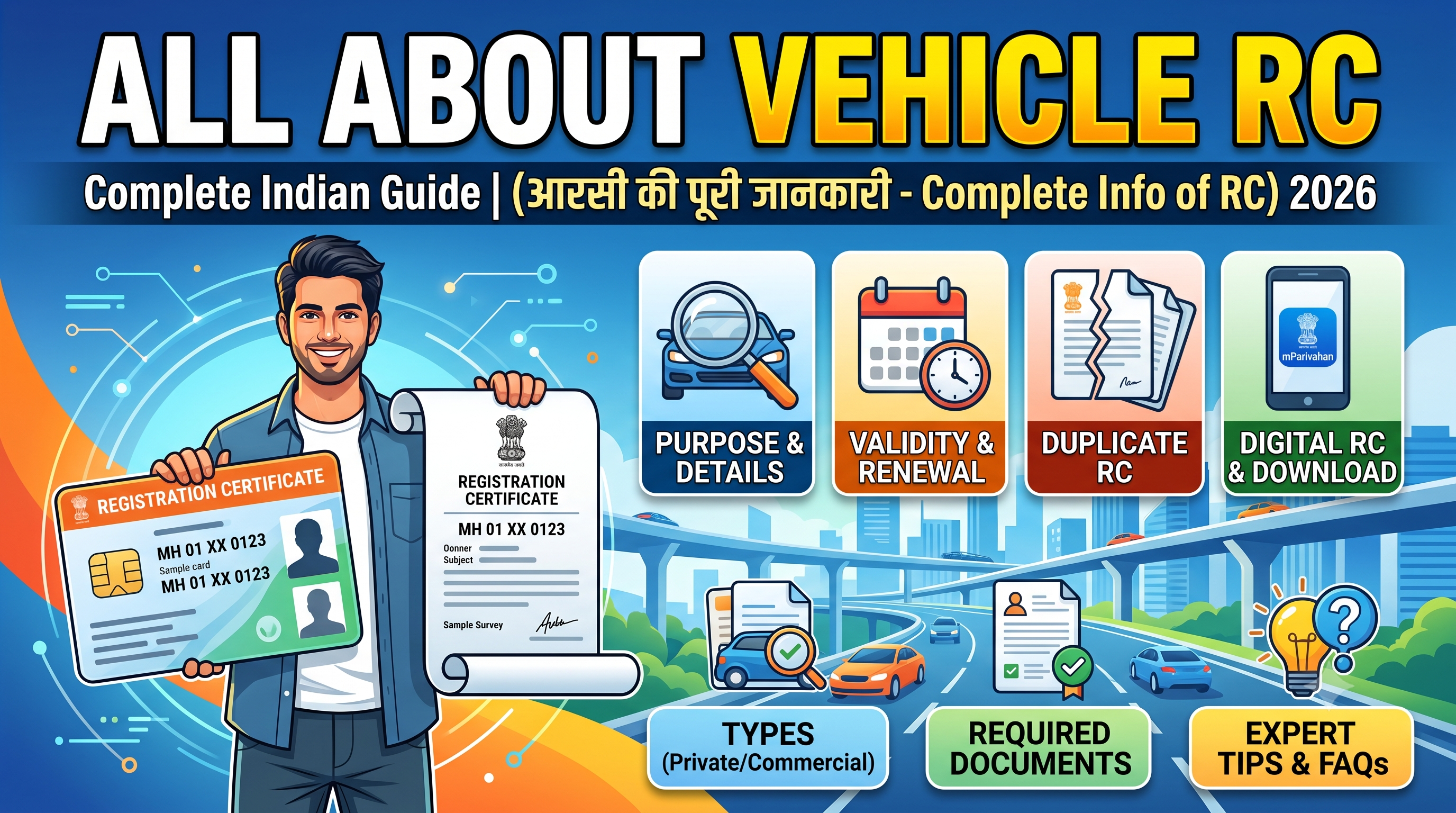
What is Vehicle RC?
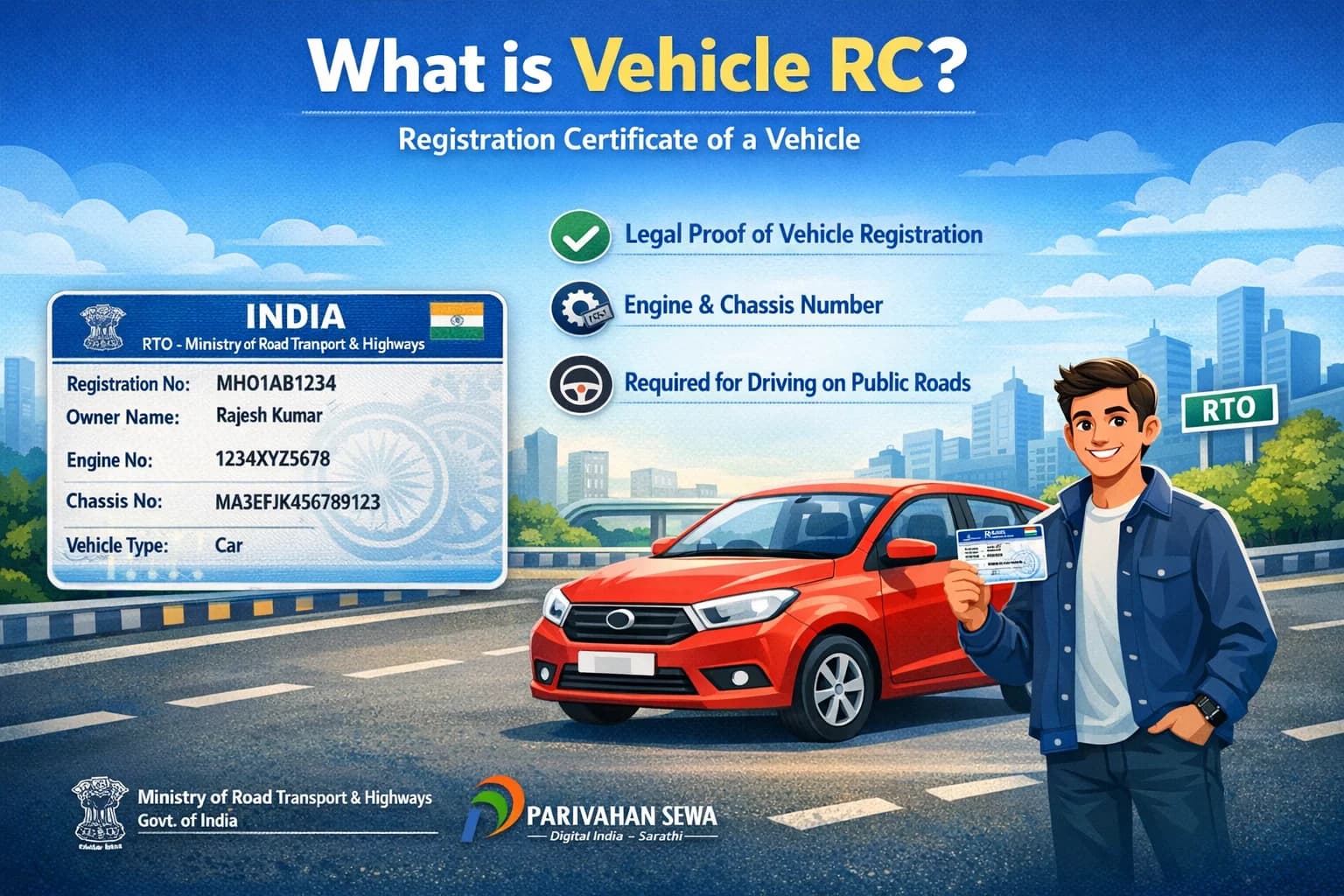
Vehicle RC (Registration Certificate) is an official document issued by the RTO under the Ministry of Road Transport and Highways (MoRTH) and managed through the Parivahan Sewa platform. It proves that a vehicle is legally registered in India and includes key details like owner name, registration number, engine and chassis number. It is mandatory for driving on public roads.
What is RC Download and Why Is It Important?
RC Download refers to the process of accessing and downloading your Registration Certificate (RC) online in digital format (PDF or smart card) through official government platforms like Parivahan Sewa, Vahan, and mParivahan.
The RC (Registration Certificate) is a mandatory legal document issued by the Regional Transport Office (RTO) that proves your vehicle is registered with the Government of India. It contains essential vehicle details such as owner name, registration number, engine number, chassis number, fuel type, and registration validity.
Importance of RC Download Online
- Legal Compliance: Driving without RC can result in penalties and fines
- Digital Convenience: Access your RC anytime on mobile or desktop
- Accepted Everywhere: Digital RC is valid under Indian law
- Instant Access: No need to visit RTO for duplicate copies
- Essential for Services: Required for insurance, PUC, resale, and ownership transfer
With digital services expanding, online RC download has become the most efficient way to manage vehicle documents.
How Many Official Methods to Download RC Online?
There are 4 official methods to download RC online in India:
Next, let's go step-by-step for each method.
RC Download Online by State










Method 1: How to Download RC Book Online Using Parivahan Sewa Portal
The most reliable method for RC book download online is through the official Parivahan Sewa portal.
Step-by-Step RC Download Online Process
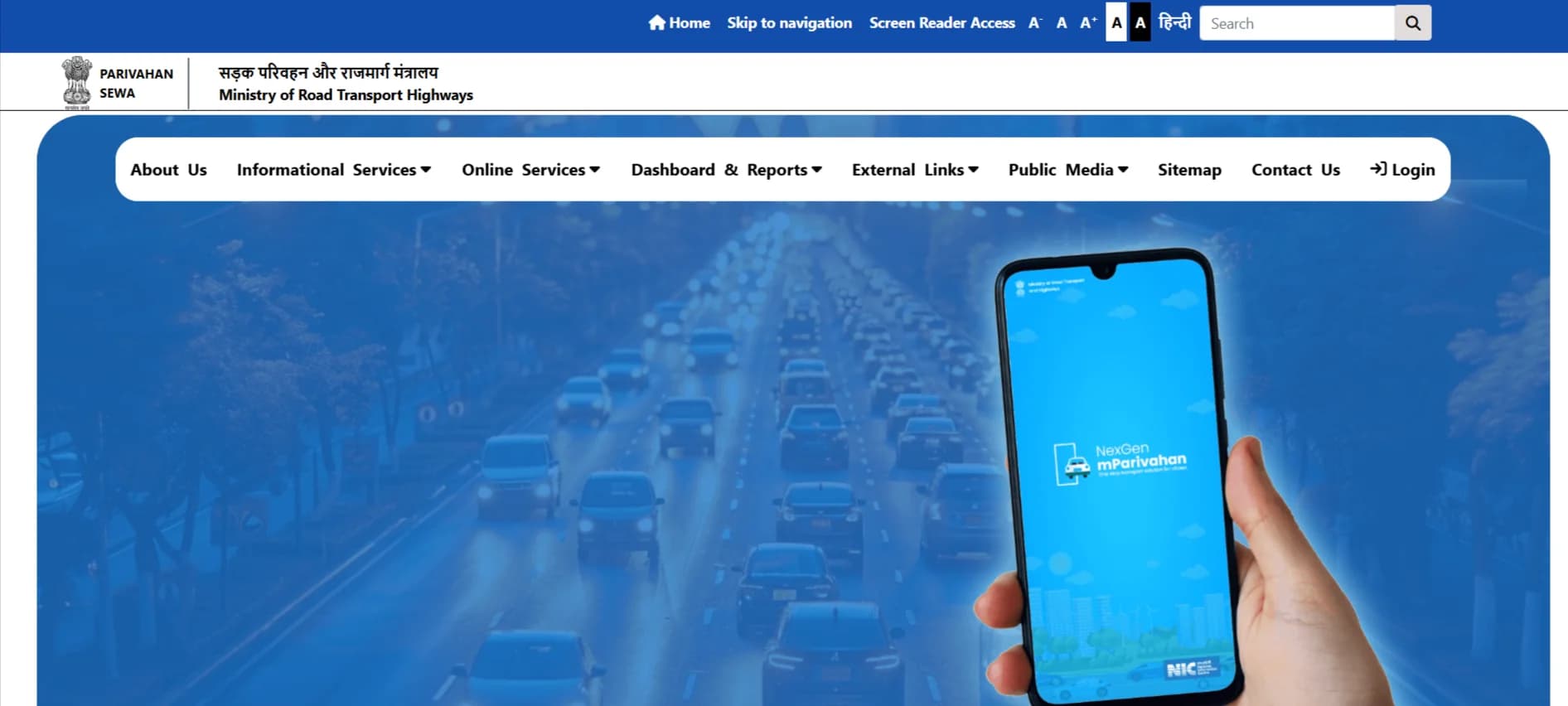
- Visit the official Parivahan Sewa website
- Click on Vehicle Related Services
- Select your state RTO
- Enter your vehicle registration number
- Complete OTP verification using registered mobile number
- Navigate to RC services or document section
- Click on RC Download / RC Book Download PDF
- Save or print your RC
Required Details for RC Download
- Vehicle Registration Number
- Registered Mobile Number
- OTP Verification
- Chassis Number (if required)
This method works for all vehicle categories including car RC download, bike RC download, and commercial vehicles.
Method 2: RC Download via mParivahan App – Step-by-Step Process
Follow these simple steps to complete mParivahan RC download on your mobile:
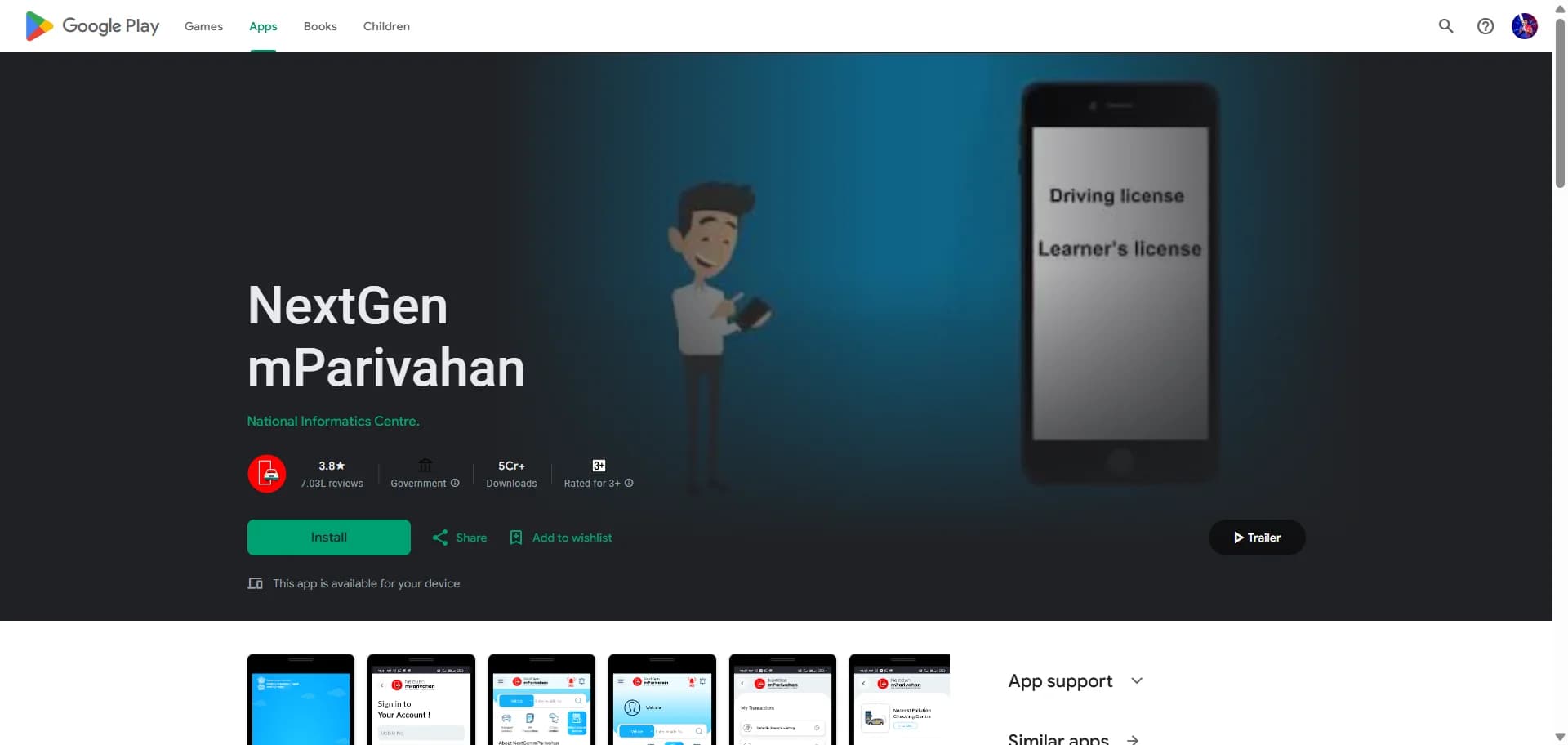
Step 1: Install the mParivahan App
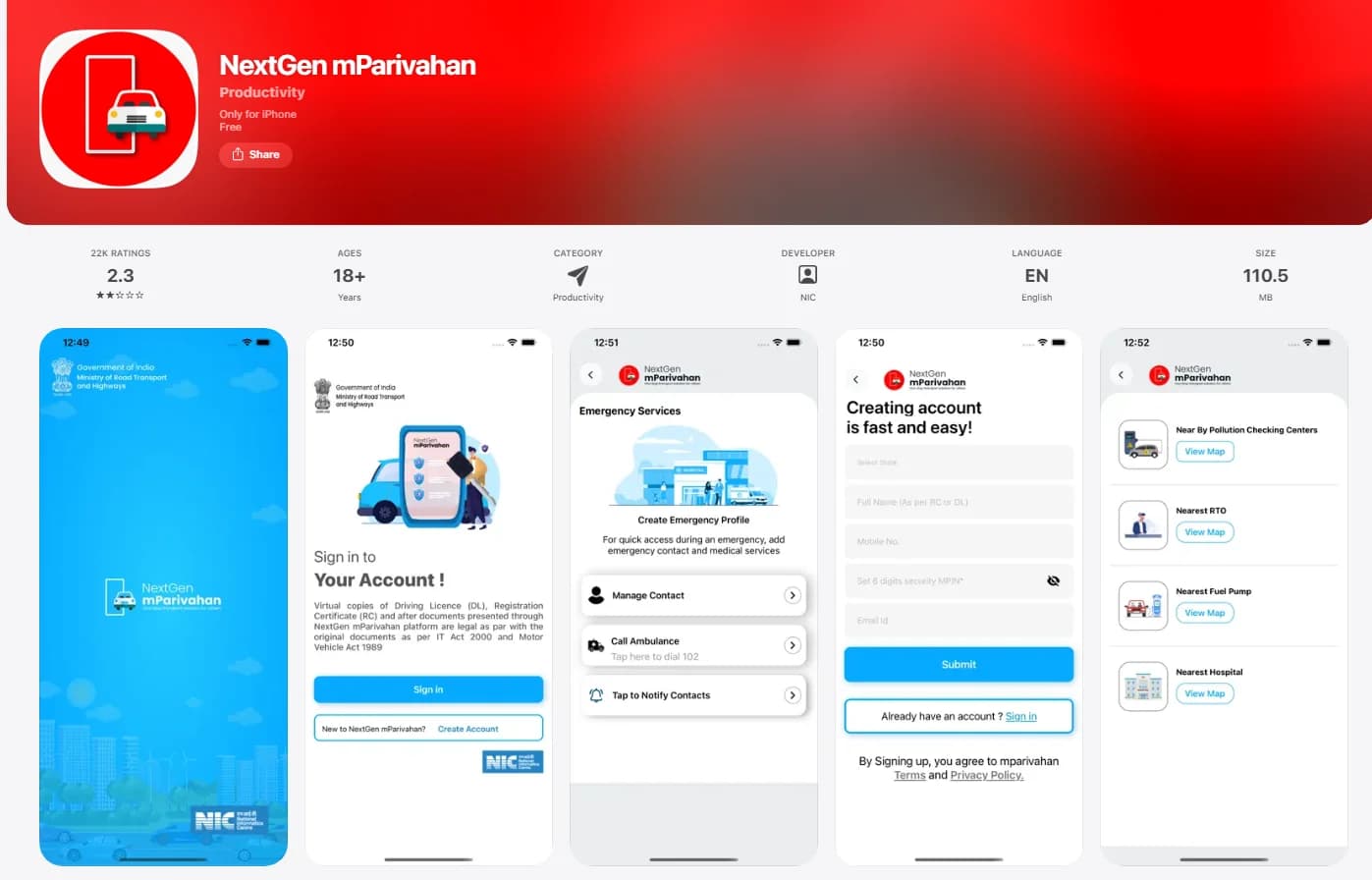
Step 2: Sign In / Register
Open the app
Enter your mobile number
Verify using OTP
Step 3: Add Your Vehicle
Tap on "Add Vehicle"
Enter your vehicle registration number
Step 4: Verify Ownership
Complete OTP verification linked to your vehicle
Your vehicle details will be fetched automatically
Step 5: Access Digital RC
Your RC (Registration Certificate) will appear on the dashboard
Tap on it to view full details
Step 6: RC Download / Save
Save the RC on your phone (screenshot or PDF option if available)
You can also use it directly in the app
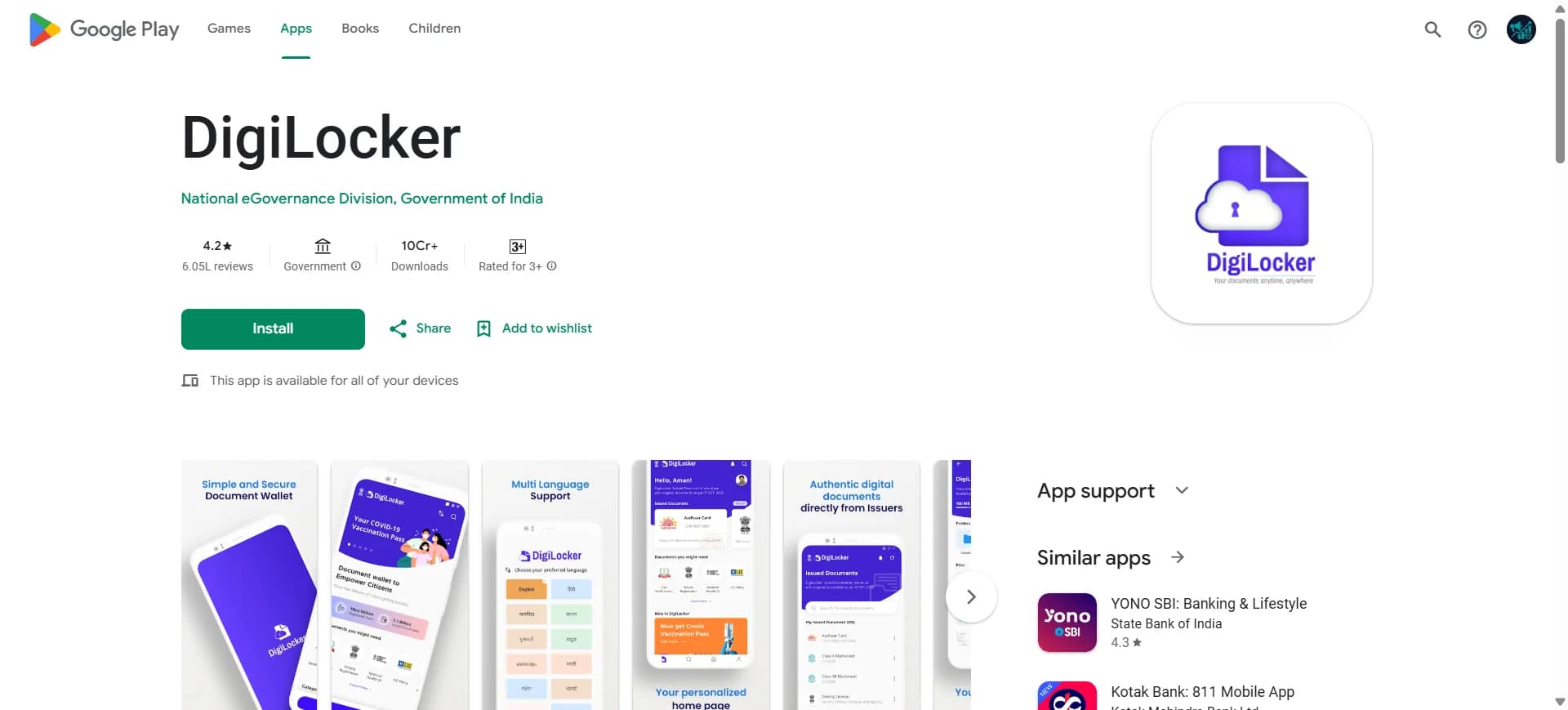
Method 3 : RC Download via DigiLocker – Step-by-Step Process
Follow these steps to complete DigiLocker RC download easily:
Step 1: Install or Open DigiLocker
Download the DigiLocker Android app , iOS App or visit the official website
Sign in using your mobile number / Aadhaar
Step 2: Login to Your Account
Enter your credentials
Verify using OTP
Step 3: Go to "Issued Documents"
After login, open Issued Documents section
Click on Search Documents
Step 4: Select Transport Department
Choose Ministry of Road Transport and Highways (MoRTH)
Select Registration of Vehicles (RC)
Step 5: Enter Vehicle Details
Enter your vehicle registration number
Submit the details
Step 6: Fetch and Download RC
Your RC will be fetched automatically
Click on Download RC PDF or save it in DigiLocker
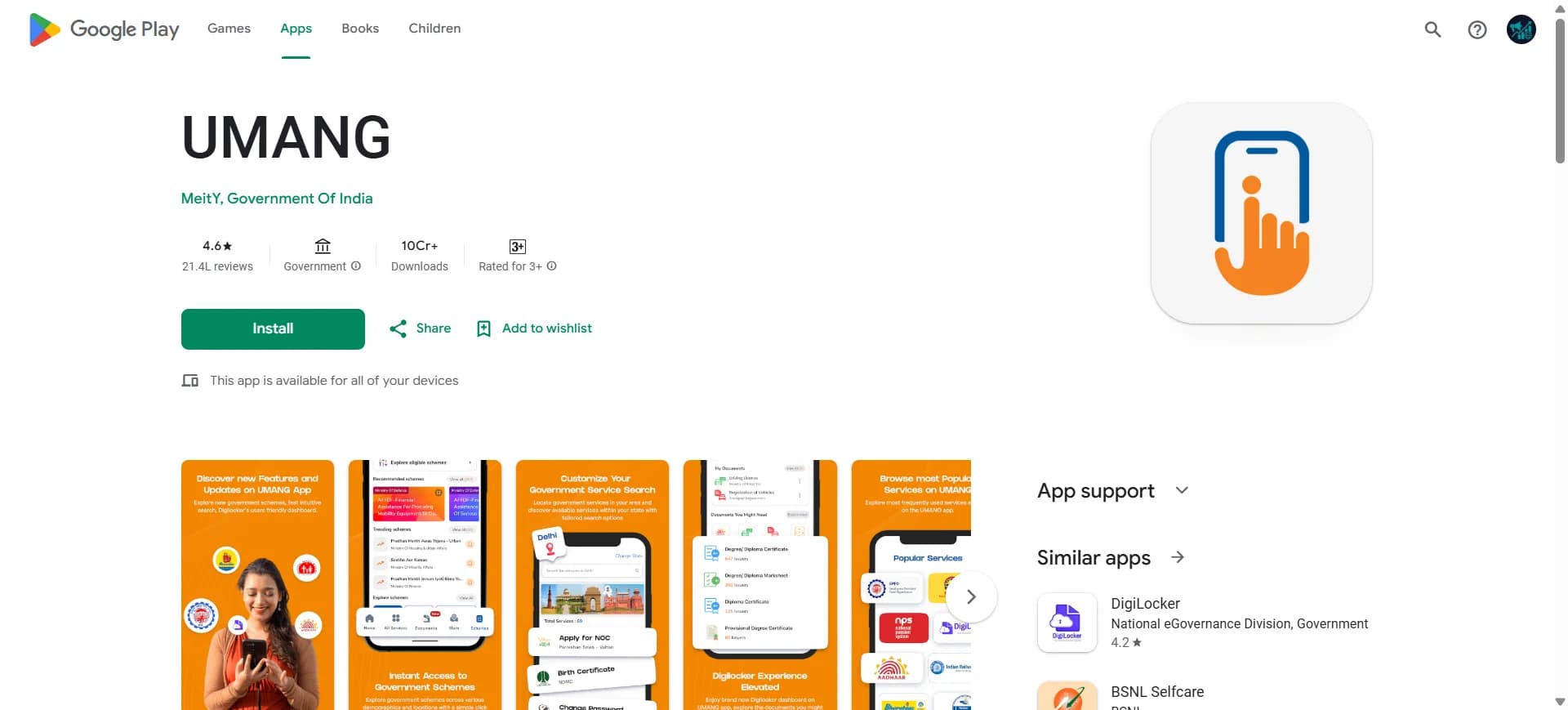
Method 4: RC Download via UMANG App – Step-by-Step Process
Follow these steps to complete UMANG RC download easily:
Step 1: Install or Open UMANG App
Step 2: Login / Register
Enter your mobile number
Verify using OTP
Step 3: Search for Transport Services
Use the search bar
Type "Parivahan" or "RC"
Step 4: Select RC Services
Choose Vehicle Services / RC Services
Select the option related to RC download or view RC
Step 5: Enter Vehicle Details
Enter your vehicle registration number
Submit the details
Step 6: View and Download RC
Your RC details will be displayed
Download or save the RC for future use
RC Book Download PDF: Step-by-Step Guide for Car and Bike
If you are searching for rc download pdf or rc book download pdf, you can follow this simple process.
Car RC Download Online
- Go to Parivahan Sewa Portal
- Select vehicle related services
- Enter car registration number
- Verify using OTP
- Download RC PDF instantly
Bike RC Book Download
- Use mParivahan app or Parivahan portal
- Enter bike number
- Verify ownership
- Access and download RC
Features of RC Book PDF
- Digitally signed by RTO
- Valid across India
- Contains complete vehicle details
- Can be stored and shared digitally
This makes download rc book online a fast and reliable option.
Parivahan RC Download: How to Download RC Online Easily
Parivahan RC download is the most commonly used method for accessing vehicle registration certificates.
Steps for RC Download Parivahan
- Open Parivahan Sewa portal
- Select your state
- Enter vehicle details
- Login with mobile number
- Choose RC download option
- Download RC PDF
This process is simple and user-friendly, making rc download parivahan the preferred option for users across India.
Types of RC You Can Download Online
When you download RC online, you may get different formats depending on your requirement:
1. Original RC
- Primary registration certificate issued by RTO
- Contains full vehicle and owner details
- Required for legal and resale purposes
2. Smart Card RC
- Compact card format (like ATM card)
- Includes QR code for verification
- Easy to carry and highly secure
3. Duplicate RC
- Issued if original RC is lost, stolen, or damaged
- Legally valid replacement
- Can be downloaded after approval
You can access all these through online RC download services.
How to Download Duplicate RC Book Online on Parivahan
If your RC is lost or damaged, you can apply for duplicate RC download online.
Steps to Apply for Duplicate RC
- Visit Parivahan portal
- Select Vehicle Related Services
- Enter vehicle registration number
- Choose Duplicate RC Application
- Upload required documents
- Pay applicable fees
- Submit application
Once approved, you can proceed with duplicate rc download easily.
Documents Required for Duplicate RC
- FIR copy (if RC lost)
- Insurance certificate
- PUC certificate
- Identity proof
RC Card Download vs RC Book Download: Key Differences
Understanding the difference between rc card download and rc book download online is important.
RC Card
- Smart card format
- Physical version issued by RTO
- Compact and durable
RC Book PDF
- Digital format (PDF)
- Downloaded online
- Easy to store and share
Both formats are valid, but rc book download pdf is more convenient for digital use.
Online RC Download: Common Issues and Solutions
While performing online rc download, users may face some common issues.
1. OTP Not Received
- Check network connectivity
- Ensure registered mobile number is active
2. RC Not Found
- Verify registration number
- Check if vehicle data is updated in Vahan
3. Login Issues
- Clear browser cache
- Use updated browser
4. RC PDF Not Downloading
- Disable popup blockers
- Try different device or browser
Fixing these issues ensures smooth download rc online experience.
RC Download Not Working? (Quick Fix)
If you are unable to download RC online, try these solutions:
- Ensure your mobile number is linked with RTO
- Double-check vehicle registration number
- Wait if vehicle data is not updated yet
- Try using another browser or device
- Use mobile apps like mParivahan or DigiLocker
Most issues are temporary and get resolved automatically.
RC Download Without OTP – Is It Possible?
- OTP is required for security verification
- You cannot download RC without OTP in most cases
- Make sure your mobile number is updated with RTO
This ensures safe access to your vehicle data.
Is RC PDF Valid in India?
Yes, RC downloaded online is legally valid.
- Accepted by traffic police
- Valid for insurance and resale
- Recognized under Motor Vehicles Act
- Can be shown via mobile apps
Digital RC is as valid as physical RC.
RC Download vs RC Status (Important Difference)
| Feature | RC Download | RC Status |
|---|---|---|
| Purpose | Get RC copy | Track RC progress |
| Shows document | ✅ Yes | ❌ No |
| Shows status | ❌ No | ✅ Yes |
| Requires approval | ✅ Yes | ❌ No |
Use RC status before downloading RC.
What Details Are Included in RC Download?
Your downloaded RC contains:
- Vehicle registration number
- Owner name
- Engine number
- Chassis number
- Fuel type
- Registration date
- Validity period
- RTO details
Always verify details after download.
When You Should Download RC
You should download RC in these situations:
- After new vehicle registration
- After RC renewal or update
- After ownership transfer
- When RC is lost or damaged
- For insurance or resale purposes
Keeping a digital RC avoids future issues.
Why Download RC Online?
Imagine needing your vehicle RC urgently during a traffic check or insurance claim—but you don’t have it. Visiting the RTO can take time and effort.
With online RC download, you can instantly access your RC PDF or digital RC anytime without waiting in queues.
This makes RC download fast, easy, and stress-free.
When Do You Need RC Download?
You may need to download RC online in the following situations:
- During traffic police checks
- While buying or selling a vehicle
- For insurance claims
- When RC is lost or damaged
- For vehicle verification or loan process
Keeping a digital RC ensures you are always prepared.
How to Download RC Book Online on Mobile
Mobile users can easily perform rc book online download using apps.
Steps for RC Online Download on Mobile
- Install mParivahan app
- Login with mobile number
- Enter vehicle number
- Verify OTP
- Download RC
This method is ideal for quick rc online download anytime, anywhere.
Benefits of RC Download Online Services
Using online platforms for rc download online offers several advantages.
Key Benefits
This is why online rc book download is widely preferred today.
How to Download RC Online: Complete Summary
If you are wondering how to download rc online, here is a quick summary:
- Visit Parivahan portal or use mParivahan app
- Enter vehicle registration number
- Verify using OTP
- Download RC PDF
This simple process works for all types of vehicles.
Other RC Related Services
RC Details – Check Vehicle RC Details Online
RC Details include important vehicle information like owner name, registration number, engine & chassis number, fuel type, and registration validity.
How to Check RC Details Online (Step-by-Step)
- Visit Parivahan portal
- Click on “Know Your Vehicle Details”
- Enter vehicle registration number
- Complete captcha verification
- View vehicle RC details instantly
RC Status Check Online on Parivahan & Vahan
RC Status allows you to track the current status of your vehicle registration, including application progress, approval, dispatch, and updates. You can easily check RC status online using Parivahan or Vahan portals.
How to Check RC Status Online (Step-by-Step)
- Visit Parivahan or Vahan portal
- Click on RC Status / Vehicle Status
- Enter your vehicle registration number
- Complete captcha verification
- View your RC status instantly
RC Renewal Online on Parivahan – RC Renewal After 15 Years
RC Renewal is required when your vehicle registration expires. For private vehicles, RC is valid for 15 years, after which renewal is mandatory to continue using the vehicle legally.
How to Renew RC Online (Step-by-Step)
- Visit Parivahan portal
- Select Vehicle Related Services
- Enter your vehicle registration number
- Choose RC Renewal
- Fill required details
- Pay RC renewal fees
- After rc renewal you can do RC Download.
- Submit application
Duplicate RC Download & Apply Online on Parivahan
Duplicate RC is required if your original RC book is lost, stolen, or damaged. You can easily apply and complete duplicate RC download online through the Parivahan portal.
How to Apply for Duplicate RC Online (Step-by-Step)
- Visit Parivahan portal
- Select Vehicle Related Services
- Enter your vehicle registration number
- Choose Duplicate RC option
- Fill application details
- Upload required documents
- Pay duplicate RC fees
- Submit application
Documents Required for Duplicate RC
- FIR copy (if RC is lost)
- Valid insurance certificate
- PUC certificate
- Identity proof
Duplicate RC Download Process
After approval:
- Login to Parivahan
- Access your application
- Complete duplicate RC download in PDF format
RC Transfer Online on Parivahan – RC Name Transfer & Status
RC Transfer is required when a vehicle is sold or ownership is changed. You can complete the RC transfer online process through the Parivahan portal and track RC transfer status easily.
How to Transfer RC Online (Step-by-Step)
- Visit Parivahan portal
- Select Vehicle Related Services
- Enter your vehicle registration number
- Choose RC Transfer / Ownership Transfer
- Fill Form 29 & Form 30
- Upload required documents
- Pay RC transfer fees
- Submit application
Documents Required for RC Transfer
- Form 29 & Form 30
- Valid insurance certificate
- PUC certificate
- Identity & address proof
- Buyer & seller details
RC Transfer Status Check
👉 You can check RC transfer status online by:
- Visiting Parivahan portal
- Entering vehicle number
- Tracking application status
RC Correction Online – Update RC Details on Parivahan
RC Correction allows you to fix or update incorrect details in your Registration Certificate such as name, address, or vehicle information. You can apply for RC correction online through the Parivahan portal.
When Do You Need RC Correction?
- Wrong owner name in RC
- Address change in RC book
- Incorrect engine or chassis details
- Data mismatch in RC records
- It is important to keep your RC details accurate and updated.
How to Apply for RC Correction Online (Step-by-Step)
- Visit Parivahan portal
- Select Vehicle Related Services
- Enter your vehicle registration number
- Choose RC Correction / Update Details
- Select correction type (name, address, etc.)
- Upload required documents
- Pay applicable fees
- Submit application
Documents Required for RC Correction
- Identity proof
- Address proof
- Supporting documents (as per correction type)
RC Correction Status Check
You can check RC correction status online by:
- Visiting Parivahan portal
- Entering vehicle number
- Tracking application status
What You Can Do
- RC name correction online
- Address update in RC
- Fix incorrect RC details
- Track RC correction status
Temporary RC – Download, Status & Validity
A Temporary RC (Registration Certificate) is issued when a new vehicle is purchased and is valid for a limited period until the permanent RC is generated.
What is Temporary RC?
- Temporary RC is a short-term registration provided by the dealer or RTO before issuing the permanent RC.
It is mainly used for:
- New vehicle purchase
- Driving vehicle before permanent registration
- Initial vehicle registration process
Temporary RC Validity
- Usually valid for 30 days
- In some cases, extendable as per RTO rules
How to Download Temporary RC Online (Step-by-Step)
- Visit Parivahan portal
- Select Vehicle Related Services
- Enter your vehicle registration number
- Go to Temporary RC section
- View details
- Download temporary RC (if available)
- Temporary RC Status Check
You can check temporary RC status online:
- Enter vehicle number on Parivahan
- View registration progress
- Check permanent R
RC Cancellation Online – Cancel Vehicle RC on Parivahan
RC Cancellation is the process of permanently cancelling a vehicle’s Registration Certificate when the vehicle is scrapped, permanently damaged, or no longer in use.
When is RC Cancellation Required?
- Vehicle is scrapped or junked
- Vehicle is permanently damaged (accident/fire)
- Vehicle is exported or deregistered
- Court or RTO orders cancellation
- After cancellation, the vehicle cannot be used on public roads.
How to Apply for RC Cancellation Online (Step-by-Step)
- Visit Parivahan portal
- Select Vehicle Related Services
- Enter your vehicle registration number
- Choose RC Cancellation option
- Fill application details
- Upload required documents
- Pay applicable fees
- Submit application
Documents Required for RC Cancellation
- Original RC (if available)
- Scrap certificate (if vehicle scrapped)
- Identity proof
- Supporting documents (as applicable)
RC Cancellation Status Check
You can track RC cancellation status online:
- Visit Parivahan
- Enter vehicle number
- Check application status
What You Can Do
- Apply RC cancellation online
- Check RC cancellation status
- Cancel vehicle registration legally
RC Hypothecation Removal Online – Remove Loan from RC
RC Hypothecation Removal is required after you fully repay your vehicle loan. It removes the bank/finance company name from your RC, making you the complete owner of the vehicle.
What is Hypothecation in RC?
- Hypothecation means your vehicle is under a loan from a bank or finance company. Until the loan is cleared, the lender’s name is mentioned in your RC.
- After loan closure, you must apply for hypothecation removal from RC.
How to Remove Hypothecation from RC Online (Step-by-Step)
- Visit Parivahan portal
- Select Vehicle Related Services
- Enter your vehicle registration number
- Choose Hypothecation Termination / Removal
- Fill application details
- Upload required documents
- Pay applicable fees
- Submit application
Documents Required for Hypothecation Removal
- NOC from bank/finance company
- Form 35 (signed by bank)
- RC copy
- Identity proof
Hypothecation Removal Status Check
You can check RC hypothecation removal status online:
- Visit Parivahan
- Enter vehicle number
- Track application status
What You Can Do
- Remove hypothecation from RC online
- Check hypothecation removal status
- Update RC ownership details
User Reviews
“The RC download guide helped me access my digital RC in just a few minutes. The steps were clear and easy to follow.”
“I was confused about RC renewal. The guide explained the process in simple language without unnecessary technical terms.”
“The comparison between Parivahan, DigiLocker, and mParivahan made it easy to choose the right option.”
Latest from the Blog
Practical RC guides for Indian vehicle owners — status, renewal, duplicate RC, transfers, and more.
 BLOG 1
Vehicle Registration Certificate Guide
Complete guide to the RC in India — what it contains, why it matters, and how to use it.
Read guide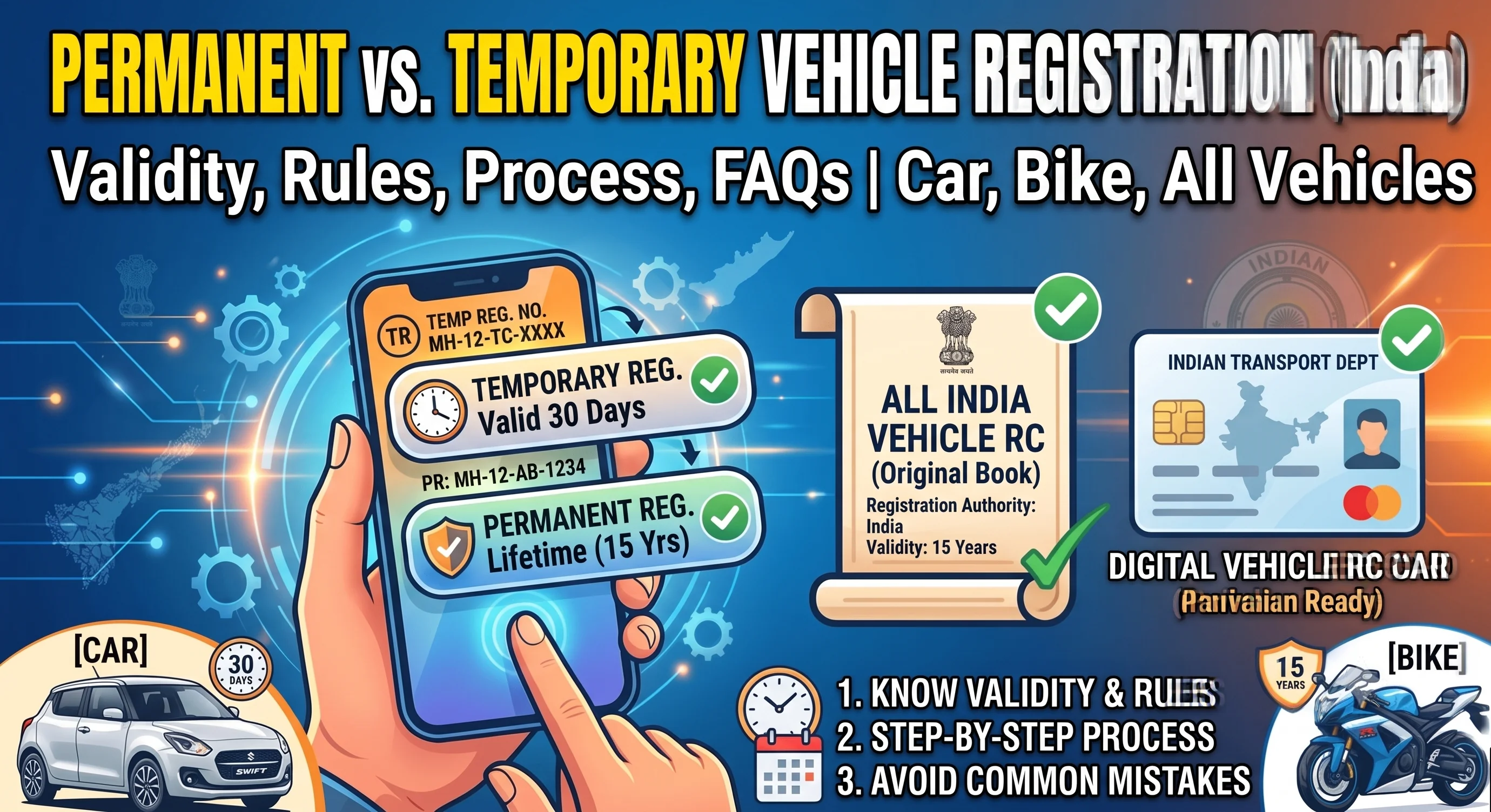 BLOG 2
Permanent vs Temporary Registration
Understand the difference between temporary and permanent vehicle registration in India.
Read guide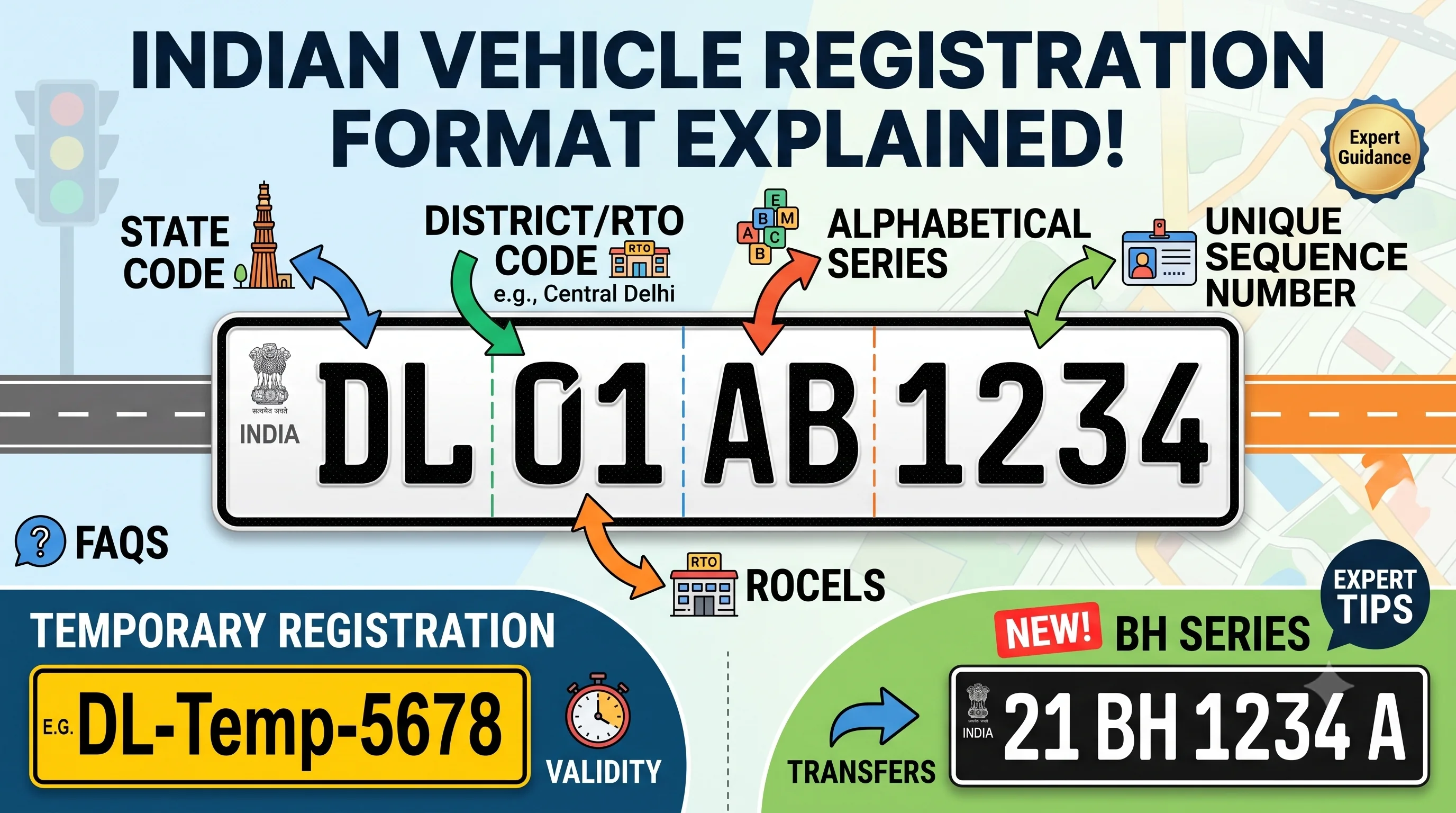 BLOG 3
Vehicle Registration Number Format
Learn how Indian registration numbers are structured and what each character means.
Read guide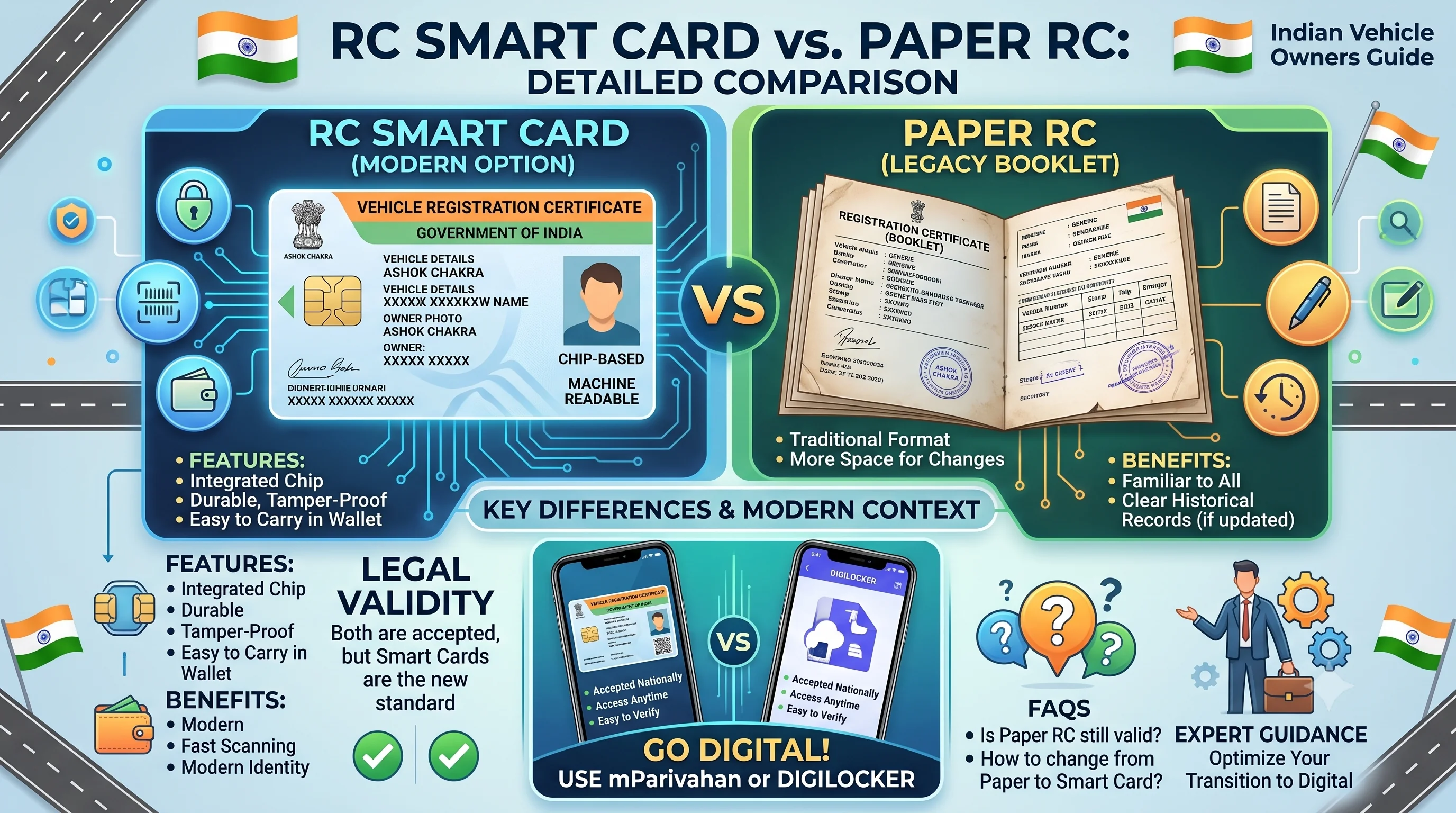 BLOG 4
RC Smart Card vs Paper RC
Compare PVC Smart Card RC and traditional paper RC booklet formats.
Read guide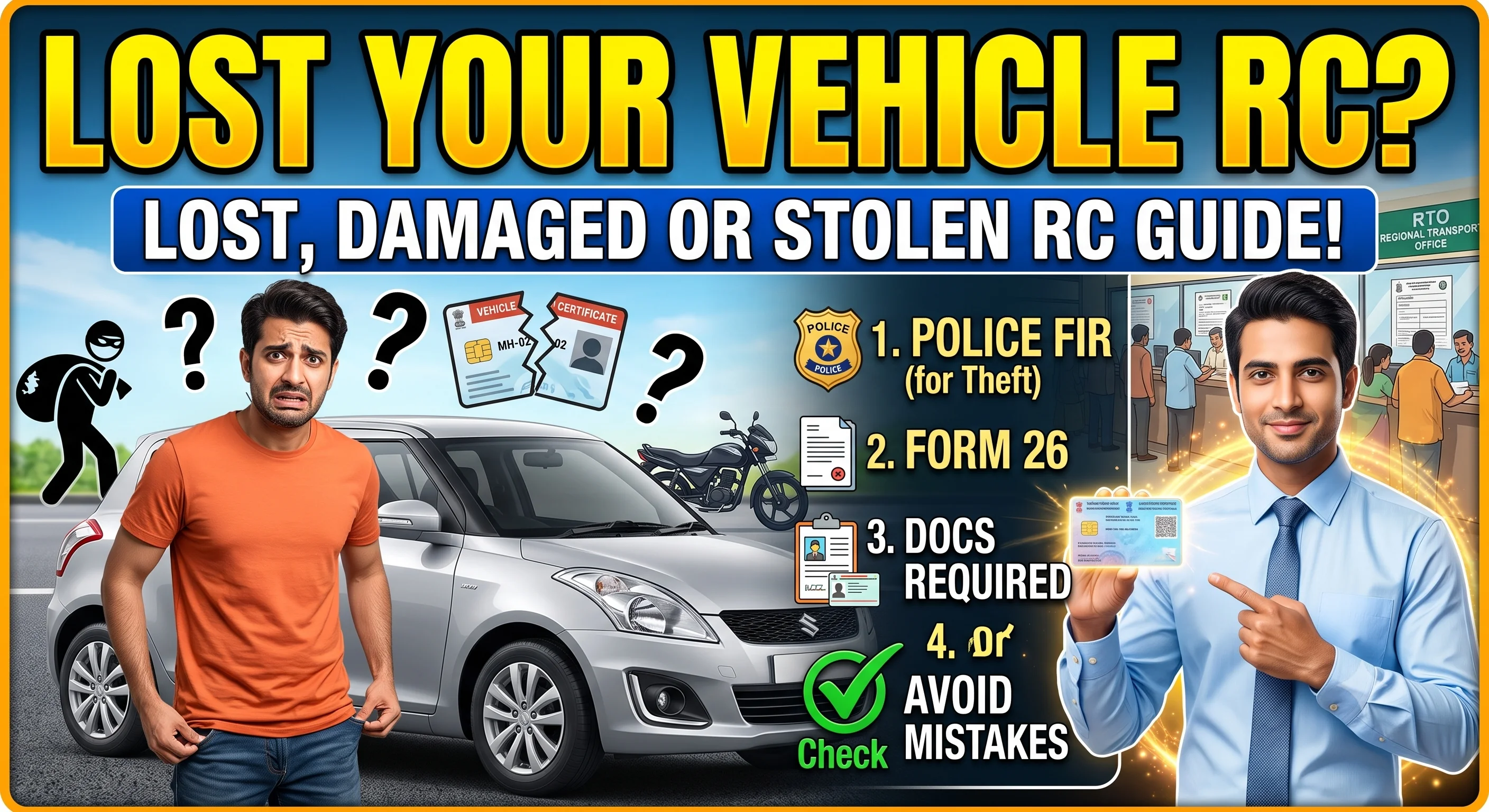 BLOG 5
Lost, Damaged or Stolen RC Guide
What to do when your Registration Certificate is missing, damaged, or stolen.
Read guide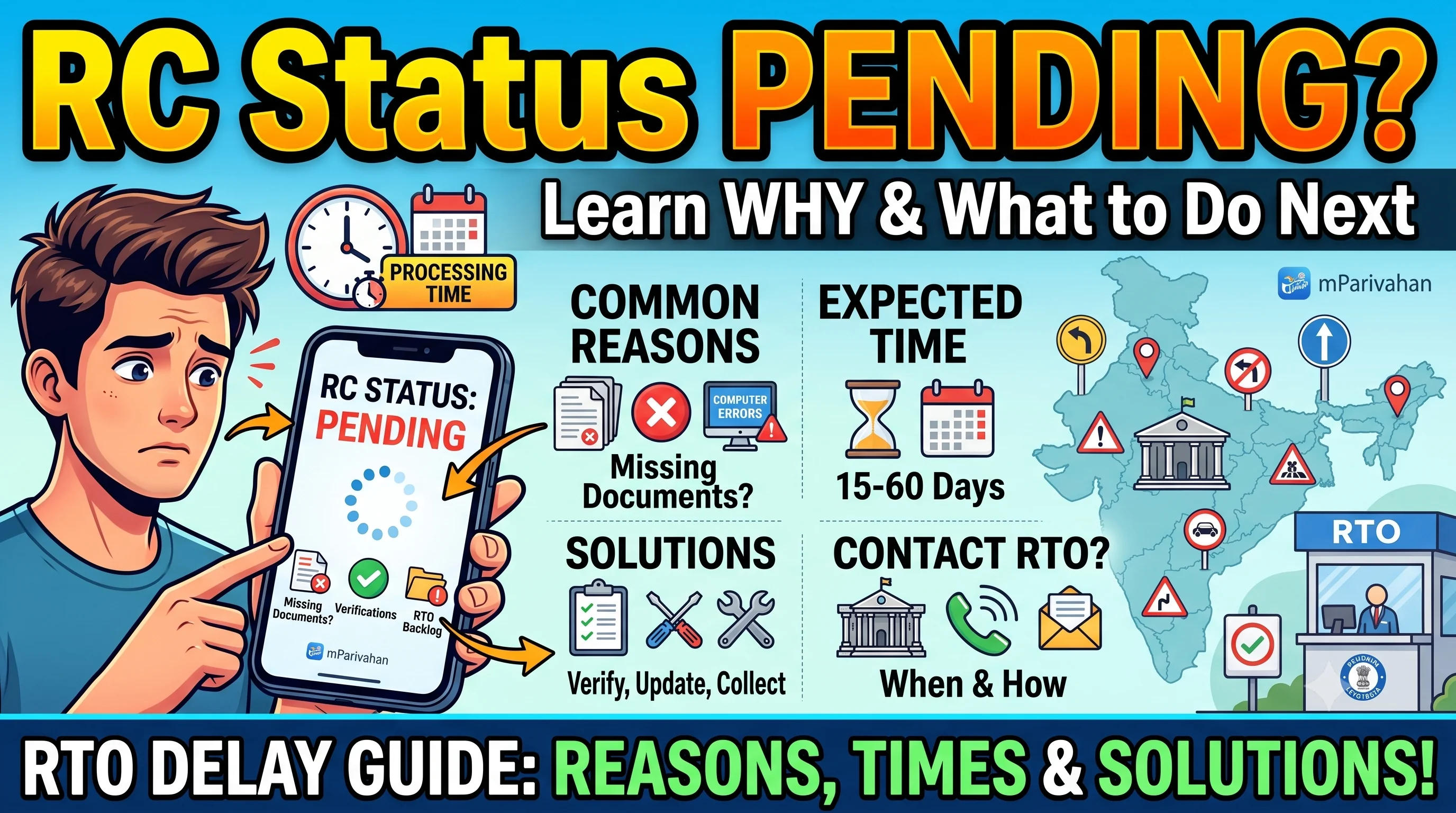 BLOG 6
Why Is RC Status Pending?
Common reasons your RC status shows Pending and practical next steps.
Read guide
Official Resources
Disclaimer
RCDownloads is an independent educational website.
We do not issue Registration Certificates or provide government services.
Users should always verify official procedures through the relevant transport authorities before making decisions.
Frequently Asked Questions
You can download RC online by visiting the Parivahan Sewa portal, entering your vehicle registration number, verifying with OTP, and downloading the RC PDF instantly.
Visit the Parivahan website → Select vehicle services → Enter your registration number → Verify OTP → Click on RC download to get your RC PDF.
You can download vehicle RC online using Parivahan, DigiLocker, or mParivahan by entering your vehicle number and completing OTP verification.
To download virtual RC, install the mParivahan app or DigiLocker, add your vehicle using registration number, and access your digital RC instantly on mobile.
To download bike RC, visit Parivahan or use mParivahan app, enter your bike registration number, verify OTP, and download RC PDF.
You can get RC book online by accessing Parivahan portal or DigiLocker, entering your vehicle details, and downloading the RC in digital format.
RC book (Registration Certificate) is an official document issued by the RTO that proves your vehicle is registered and contains details like owner name, vehicle number, and validity.
To get duplicate RC book, apply online via Parivahan by selecting “Duplicate RC,” upload required documents, pay fees, and download the duplicate RC after approval.
Visit Parivahan portal → Select Kerala → Enter vehicle number → Verify OTP → Download RC book PDF online.
To change address in RC book, apply through Parivahan portal, submit address proof documents, pay fees, and update RC details after approval.
You can check RC book status online by visiting Parivahan, entering your vehicle or application number, and viewing the current status.
To apply for duplicate RC book, visit Parivahan portal, select duplicate RC service, upload documents (FIR if lost), pay fees, and submit application.
You can check RC book online by entering your vehicle number on Parivahan or mParivahan app to view RC details instantly.
Yes, RC downloaded online is legally valid in India and is accepted by traffic police, insurance companies, and for vehicle verification.
No, OTP verification is required to download RC online for security reasons. Your mobile number must be linked with RTO records.