RC Hypothecation Removal Online | Remove Loan from RC on Parivahan
Everything You Need to Remove Loan Hypothecation from Your RC
- Online Application
- Required Documents
- Bank NOC
- Processing Time
- Status Check
- Fees
- Download Updated RC
- FAQs
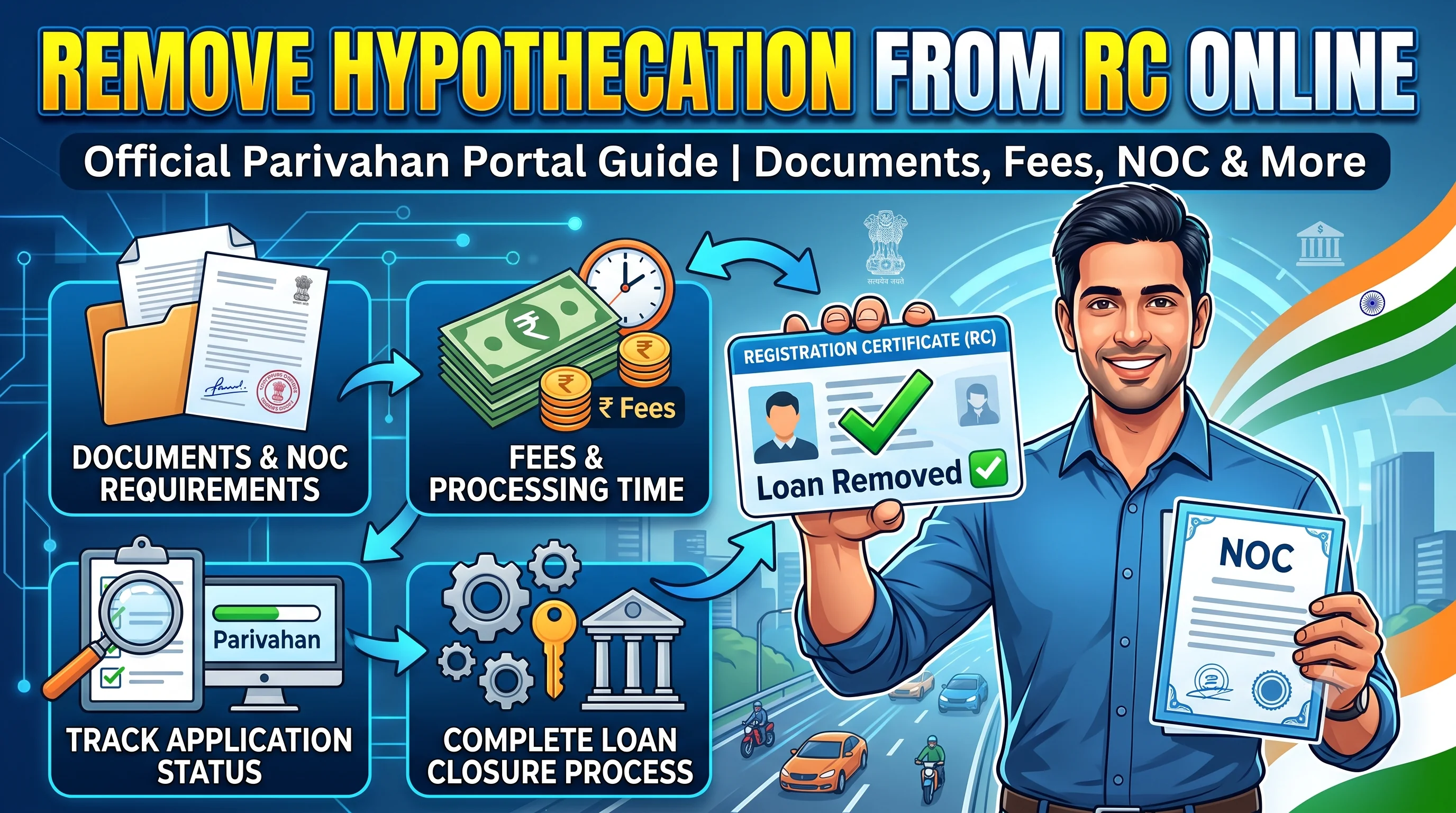
Start on the official Parivahan portal
Opens the official Parivahan portal in a new tab.
Quick Action Center
| Need Help? | Service |
|---|---|
| Check RC Details | RC Details |
| Track Application | RC Status |
| Download Updated RC | RC Download |
| Correct RC Information | RC Correction |
| Transfer Vehicle Ownership | RC Transfer |
Quick Answer
When you purchase a vehicle using a loan, the financing bank or financial institution is typically recorded in the Registration Certificate (RC) as the hypothecatee. After the loan has been fully repaid and the lender completes the required formalities, you can apply to remove the hypothecation entry from your Registration Certificate through the prescribed RTO process.
Removing hypothecation updates your RC to reflect that the loan-related endorsement has been removed. Once the application is approved, verify the updated information through RC Details and Download RC Online if a digital version is available.
RC Hypothecation Overview
| Details | Information |
|---|---|
| Service | RC Hypothecation Removal |
| Authority | Regional Transport Office (RTO) |
| Portal | Parivahan |
| Applicable For | Loan-financed vehicles |
| Mode | Online / Offline (varies by state) |
| Prerequisite | Loan closure and required lender documents |
| Status | Track online where available |
| Updated RC | Issued after approval |
Did You Know?
Many vehicle owners finish repaying their loan but continue using an RC that still contains the lender's hypothecation entry. Completing the hypothecation removal process keeps your Registration Certificate up to date and may simplify future vehicle-related transactions.
What is RC Hypothecation?
Hypothecation is a legal arrangement in which a vehicle purchased using finance is linked to the lender in the Registration Certificate until the loan obligations are completed according to the financing agreement.
While the vehicle remains in your possession, the Registration Certificate shows the lender's interest until the hypothecation is removed through the prescribed process.
Why Should You Remove Hypothecation?
Removing hypothecation helps keep your Registration Certificate accurate after your vehicle loan has been settled.
Some benefits include:
- Updated Registration Certificate.
- Cleaner ownership records.
- Easier future vehicle transactions.
- Better document accuracy.
- Simpler RC-related services.
- Fewer issues during ownership transfer.
If you're planning to sell your vehicle, it's generally advisable to complete hypothecation removal before beginning RC Transfer, where applicable.
Who Should Apply?
This service is generally relevant for:
- Car owners who have completed their vehicle loan.
- Bike owners after loan closure.
- Commercial vehicle owners after finance settlement.
- Individuals planning to sell a financed vehicle after the lender's interest has been removed.
- Owners who want their Registration Certificate updated after loan completion.
When Should You Apply?
Common situations include:
After Loan Closure
Once the lender confirms that the loan has been settled and provides the necessary documents, you can begin the hypothecation removal process.
Before Selling the Vehicle
If you're planning to sell your vehicle, completing hypothecation removal first can help keep the Registration Certificate up to date before RC Transfer.
Before Updating RC Records
If you're already making changes to your Registration Certificate, review whether hypothecation removal should also be completed.
Loan Closure vs Hypothecation Removal
This is one of the most misunderstood topics.
| Loan Closure | Hypothecation Removal |
|---|---|
| Financial obligation is completed with the lender. | Registration Certificate is updated by the transport authority after the prescribed process. |
| Bank process. | RTO process. |
| Loan account is closed. | RC endorsement is updated. |
Many people assume that repaying the loan automatically updates the RC. In practice, the Registration Certificate usually needs to be updated through the appropriate procedure after the required lender documentation is available.
Common Scenario
I Have Finished Paying My Car Loan
↓ Loan closed by lender.
↓ Receive required documents from the lender.
↓ Apply for hypothecation removal.
↓ Track application through RC Status.
↓ Hypothecation removed.
↓ Verify updated information using RC Details.
↓ Download updated RC through RC Download.
Documents Commonly Required
Depending on the transport authority and your application, you may need:
| Document | Required |
|---|---|
| Registration Certificate | ✅ |
| Identity Proof | ✅ |
| Address Proof | Where applicable |
| Loan closure / lender-issued documents | ✅ |
| Insurance Certificate | ✅ |
| Pollution Under Control (PUC) Certificate | Where applicable |
| Application Form | ✅ |
| Applicable Fee Receipt | ✅ |
Always confirm the exact document requirements with the concerned RTO or the official portal before applying.
Before You Apply
Before starting the application:
- Confirm that the loan has been fully settled.
- Collect all required documents from the lender.
- Verify your Registration Certificate information through RC Details.
- Ensure your insurance details are current.
- Keep your application acknowledgement and payment receipts safely.
Common Myths
Myth: Paying the last EMI automatically removes hypothecation.
Fact: Loan closure and RC hypothecation removal are separate processes. Your Registration Certificate may need to be updated through the appropriate RTO procedure after the required lender documents are available.
Myth: I can't sell my vehicle after repaying the loan.
Fact: The process depends on your documentation and applicable rules. Completing hypothecation removal before initiating RC Transfer can help keep your registration records current.
Expert Tips
- Keep copies of all documents received from your lender.
- Verify your RC information before applying.
- Monitor your application through RC Status.
- After approval, review the updated Registration Certificate through RC Details.
- Download the latest digital Registration Certificate through RC Download where available.
Use RC Status, RC Details, and RC Download as you complete each stage.
How to Remove Hypothecation from RC Online
After your vehicle loan has been fully settled and you have received the required documents from the lender, you can begin the hypothecation removal process through the official Parivahan portal or your Regional Transport Office (RTO), depending on your state's available services.
Although many states support online applications, some may still require document verification or a physical visit to the RTO before the Registration Certificate is updated.
Before applying, verify your existing vehicle information using RC Details to ensure there are no errors in your Registration Certificate.
Step-by-Step Process to Remove Hypothecation Online
Step 1 – Complete Loan Closure
Before applying, confirm that your vehicle loan has been completely repaid according to your agreement with the lender.
The lender will generally provide the documents required for hypothecation removal after completing its internal loan closure process.
Step 2 – Collect Required Documents
Obtain all required documents from the lender before starting your application.
Review each document carefully to ensure that the information matches your Registration Certificate.
Step 3 – Visit the Official Parivahan Portal
Open the official Vehicle Related Services portal.
Select your state and choose the vehicle service related to hypothecation removal, if available.
Always use the official government portal for vehicle-related applications.
Step 4 – Enter Vehicle Details
Provide the required information such as:
- Vehicle Registration Number
- Chassis Number (where requested)
- Engine Number (where requested)
Carefully review all information before continuing.
Step 5 – Upload Supporting Documents
Upload the documents requested by the transport authority.
These commonly include:
- Registration Certificate
- Lender-issued documents confirming loan completion
- Identity Proof
- Insurance Certificate
- Other documents requested by the RTO
Ensure that all uploaded documents are clear and readable.
Step 6 – Pay the Applicable Fee
Complete the payment using the available online payment methods.
Save your acknowledgement and payment receipt for future reference.
Step 7 – Document Verification
The transport authority reviews your application and supporting documents.
If additional clarification or verification is required, follow the instructions provided by the RTO.
Step 8 – RC Update
After approval, the hypothecation endorsement is removed from the Registration Certificate.
You can then verify the updated information through RC Details and Download RC Online where digital access is available.
Offline Process
If online services are unavailable, you can apply directly through the Regional Transport Office.
The general process includes:
- Visit the RTO.
- Collect the application form.
- Fill in the required information.
- Attach supporting documents.
- Submit lender-issued documents.
- Pay the prescribed fee.
- Complete verification.
- Receive acknowledgement.
Once approved, the Registration Certificate is updated according to the applicable procedure.
Processing Time
The processing time depends on several factors, including:
- State transport department.
- Document verification.
- Accuracy of the submitted application.
- RTO workload.
Applications with complete and accurate documentation are generally processed more efficiently.
How to Check Hypothecation Removal Status
After submitting your application, monitor its progress online.
Common status messages include:
| Status | Meaning |
|---|---|
| Application Submitted | Request received |
| Documents Under Verification | Documents are being reviewed |
| Pending Approval | Awaiting final review |
| Approved | Hypothecation removal approved |
| RC Updated | Registration Certificate updated |
| Completed | Process completed successfully |
Regularly checking your application helps you respond promptly if additional information is requested.
How to Download Your Updated RC
Once your application is approved:
- Verify that the hypothecation entry has been removed.
- Confirm all owner and vehicle details.
- Save a digital copy of the updated Registration Certificate where available.
Visit RC Download for complete guidance.
Common Reasons for Application Delay
Applications may be delayed due to:
- Missing lender documents.
- Incorrect Registration Certificate details.
- Incomplete application.
- Invalid identity proof.
- Incorrect uploaded documents.
- Payment issues.
- Pending verification by the RTO.
Reviewing your application carefully before submission can help avoid unnecessary delays.
Common Mistakes to Avoid
Avoid these common mistakes:
- Applying before completing loan closure.
- Submitting incomplete lender documentation.
- Uploading unclear scanned copies.
- Forgetting to verify Registration Certificate details.
- Ignoring application status updates.
- Not downloading the updated Registration Certificate after approval.
- Delaying hypothecation removal for several years after loan closure.
Expert Tips
✔ Complete the Process Soon After Loan Closure
Once you receive the required documents from your lender, begin the hypothecation removal process without unnecessary delay.
✔ Review Your Registration Certificate
Before applying, verify your vehicle information using RC Details.
✔ Keep Every Receipt
Store payment receipts, acknowledgements, and lender documents safely until the process is completed.
✔ Track the Application
Monitor progress through RC Status instead of waiting for manual updates.
✔ Download the Updated RC
After approval, obtain your latest Registration Certificate through RC Download where available.
RC Hypothecation Removal vs RC Transfer
| RC Hypothecation Removal | RC Transfer |
|---|---|
| Removes the lender's hypothecation endorsement from the Registration Certificate after the prescribed process. | Changes the registered owner of the vehicle. |
| Applicable after loan completion and document verification. | Applicable when ownership changes. |
| Does not change vehicle ownership. | Updates ownership records. |
If you plan to sell your vehicle after loan closure, completing hypothecation removal before RC Transfer can help keep your Registration Certificate up to date.
RC Hypothecation Removal vs RC Update
| RC Hypothecation Removal | RC Update |
|---|---|
| Updates the Registration Certificate by removing the hypothecation endorsement after approval. | Updates eligible owner or vehicle-related information. |
| Loan-related service. | Information update service. |
| Requires lender-related documentation. | Requires documents supporting the requested update. |
After Approval – What Should You Do Next?
After your Registration Certificate has been updated:
- Verify the updated information.
- Download your latest Registration Certificate through RC Download.
- Keep both digital and physical copies safely.
- If you intend to sell the vehicle, proceed with RC Transfer when appropriate.
Decision Guide
Have You Completed Your Vehicle Loan?
↓ Yes
↓ Collect required lender documents.
↓ Apply for hypothecation removal.
↓ Track using RC Status.
↓ Application approved?
✅ Yes
Verify updated details through RC Details.
↓ Download updated RC.
↓ Vehicle records updated.
❌ No
Complete any pending documentation or verification requested by the transport authority before proceeding.
Frequently Asked Questions (FAQs)
It is the process of updating the Registration Certificate to remove the lender's hypothecation endorsement after the required loan closure and verification procedures have been completed.
Many states provide online application facilities through the official Parivahan portal, although some steps may still require RTO verification.
No. Loan closure is completed with the lender, while hypothecation removal updates the Registration Certificate through the transport authority.
Commonly required documents include the Registration Certificate, lender-issued documents, identity proof, insurance certificate, and the prescribed application form.
You can monitor your application using RC Status through the official portal where available.
Yes. After approval, you can obtain your updated Registration Certificate through RC Download where digital access is supported.
The applicable requirements depend on your circumstances and the relevant transport rules. Keeping your Registration Certificate updated before initiating RC Transfer is generally advisable.
Processing time varies depending on the state, document verification, and RTO workload.
Review the reason provided, correct any issues or missing documents, and follow the instructions issued by the transport authority.
If your Registration Certificate contains incorrect information, you may need to complete RC Correction according to the applicable procedure.
No. RCDownloads.com is an independent informational website. Official vehicle-related services should always be completed through the respective government transport portals.
Final Thoughts
Removing hypothecation from your Registration Certificate is an important step after completing your vehicle loan. While loan closure confirms that your financial obligation has ended, updating your RC ensures that your vehicle records accurately reflect the current status.
Begin by reviewing your Registration Certificate through RC Details, submit your application with complete documentation, monitor progress using RC Status, and once approved, Download RC Online to keep the latest version of your Registration Certificate readily available.