RC Update Online on Parivahan | Update Vehicle RC Details
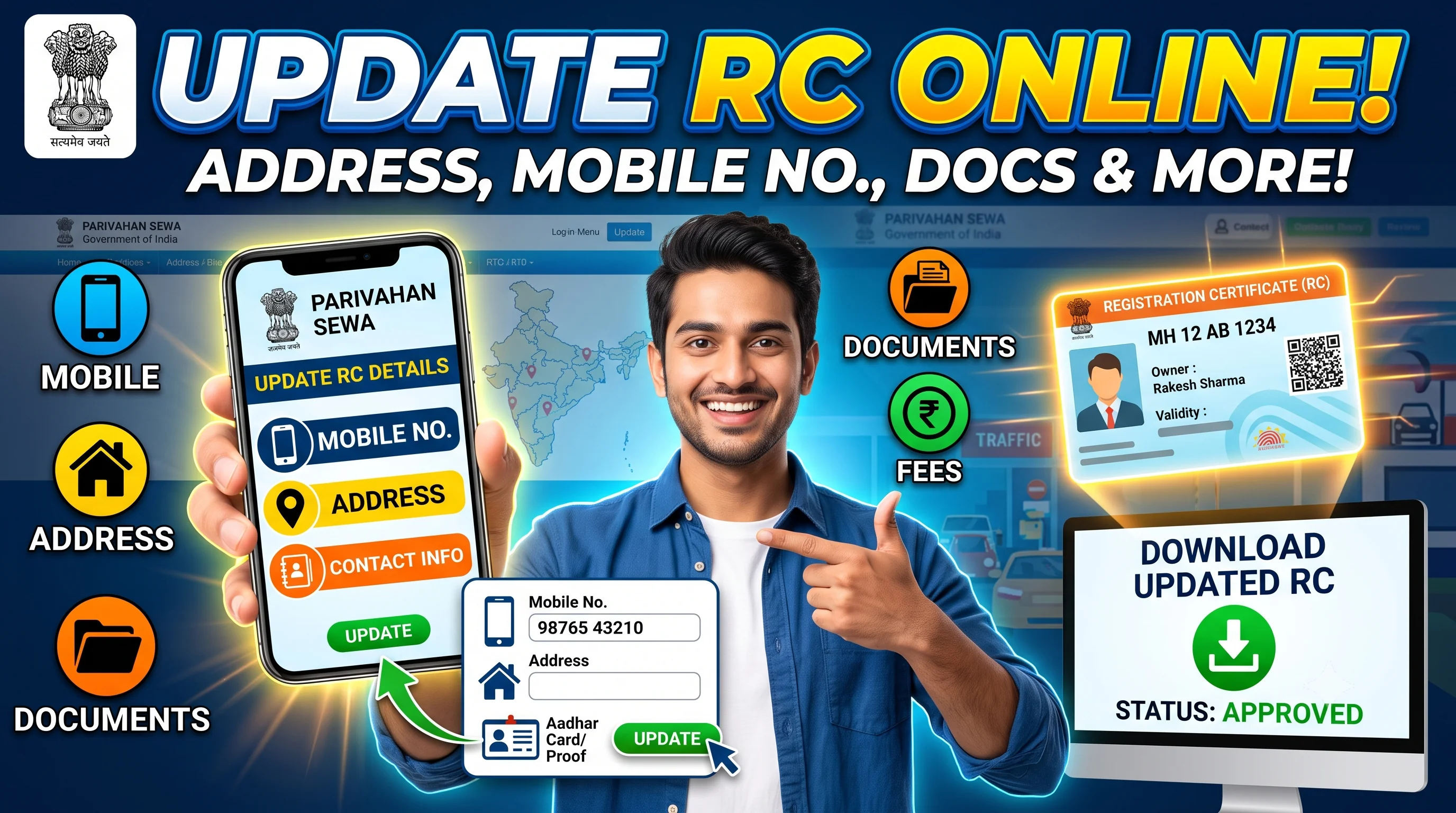
Start on the official Parivahan portal
Opens the official Parivahan portal in a new tab.
RC Update – Quick Overview
| Details | Information |
|---|---|
| Service | RC Update |
| Authority | Regional Transport Office (RTO) |
| Portal | Parivahan |
| Mode | Online & Offline |
| Applicable For | Cars, Bikes, Scooters & Commercial Vehicles |
| Processing Time | Varies by State |
| Application Status | Available Online |
| Updated RC | Available After Approval |
Quick Answer
RC Update allows registered vehicle owners to update specific information associated with their Registration Certificate (RC), such as their mobile number, communication details, or address where permitted by the Regional Transport Office (RTO). Keeping your RC information updated ensures that you receive important notifications, OTPs for online vehicle services, and official communications from transport authorities.
Before requesting an update, verify your existing information using RC Details. After submitting the application, you can Check RC Status to monitor its progress and Download RC Online once the updated Registration Certificate has been approved.
Table of Contents
- 1. What is RC Update?
- 2. Why Should You Update Your RC?
- 3. Difference Between RC Update and RC Correction
- 4. What Information Can Be Updated?
- 5. Who Can Apply?
- 6. Eligibility Criteria
- 7. Documents Required
- 8. RC Update Fees
- 9. Online Process
- 10. Offline Process
- 11. Status Tracking
- 12. Download Updated RC
- 13. Common Mistakes
- 14. FAQs
What is RC Update?
An RC Update is the process of modifying information associated with your Registration Certificate after a genuine change has occurred. Unlike RC Correction, which fixes incorrect data already recorded in the RC, an RC Update is used when your information has legitimately changed after vehicle registration.
For example, you may want to:
- Update your mobile number.
- Update your correspondence details.
- Update your address (where applicable).
- Update other eligible owner information permitted under RTO rules.
Maintaining updated information ensures that future vehicle-related services are completed without unnecessary delays.
If the information in your Registration Certificate is incorrect due to a typing mistake, you should apply for RC Correction instead of RC Update.
Why Should You Update Your RC?
Many vehicle owners update their phone numbers, relocate to a new address, or change their communication details but forget to update their Registration Certificate records.
This can create problems while:
- Receiving OTPs for vehicle services.
- Tracking online applications.
- Receiving official RTO notifications.
- Downloading vehicle documents.
- Completing ownership transfer.
- Applying for RC Renewal.
- Requesting Duplicate RC.
- Verifying vehicle ownership.
Keeping your RC information current improves the overall accuracy of government records and simplifies future vehicle-related transactions.
Benefits of Updating RC Information
Updating your Registration Certificate provides several practical benefits.
Receive Important Notifications
Updated contact details help ensure you receive messages related to vehicle services, application status, and official transport communications.
Easier Online Services
Many online services require OTP verification. Updating your mobile number helps you access services more smoothly.
Accurate Government Records
Current owner information helps maintain reliable transport records and reduces verification issues.
Faster Vehicle Transactions
If you plan to sell your vehicle later, having updated information can simplify the RC Transfer process and reduce documentation issues.
Better Document Management
Once your request is approved, you can Download RC Online and keep an updated digital copy of your Registration Certificate.
RC Update vs RC Correction
This is one of the most confusing topics for vehicle owners.
| RC Update | RC Correction |
|---|---|
| Updates information that has changed. | Corrects information that is incorrect. |
| Used after genuine changes. | Used for data entry or document errors. |
| Requires proof of updated information. | Requires proof that the existing information is wrong. |
| Owner details remain valid but are updated. | Incorrect records are corrected. |
Example
Suppose you moved from Mumbai to Pune.
✅ This is an RC Update because your address has changed.
However, if your address was entered incorrectly during vehicle registration, you need RC Correction.
What Information Can Be Updated?
Depending on your state's transport rules, you may be able to update:
- Mobile Number
- Correspondence Address
- Communication Details
- Contact Information
- Owner Address
- Email Address (where supported)
Some information cannot be updated through RC Update and may require other vehicle-related services.
When Should You Update Your RC?
You should consider updating your Registration Certificate whenever your official contact information changes.
Common situations include:
Mobile Number Changed
If your registered mobile number is no longer active, update it to continue receiving OTPs and service notifications.
Address Changed
After permanently relocating, update your address according to the applicable transport rules.
Communication Details Updated
If your preferred communication details have changed, update them to avoid missing important notifications.
Digital Service Access
Updated contact details make it easier to use online transport services without verification issues.
Who Can Apply?
Generally, the following applicants are eligible:
- Registered Vehicle Owner
- Authorized Representative
- Company Representative
- Fleet Operator (where applicable)
The applicant should be able to provide valid supporting documents for the requested update.
Eligibility Criteria
Before submitting an RC Update request, ensure:
- The vehicle is registered.
- The applicant is the registered owner or authorized representative.
- The requested update is permitted under transport rules.
- Supporting documents are available.
- Insurance and PUC are valid where required.
Documents Required for RC Update
The exact requirements depend on the update being requested.
Generally, applicants should keep:
| Document | Required |
|---|---|
| Registration Certificate | ✅ |
| Identity Proof | ✅ |
| Address Proof | If Applicable |
| Vehicle Insurance | ✅ |
| Pollution Under Control (PUC) Certificate | ✅ |
| Supporting Proof | ✅ |
| Passport-size Photograph | If Required |
| Application Form | ✅ |
| Fee Receipt | After Payment |
Before You Apply – Important Checklist
Before starting your RC Update application:
- Verify existing details using RC Details.
- Confirm whether you need RC Update or RC Correction.
- Keep valid insurance and PUC certificates ready.
- Arrange all supporting documents.
- Ensure your new contact information is accurate.
- Save your acknowledgement receipt after submission.
Expert Tip
If you're planning to sell your vehicle in the near future, complete any pending RC updates before starting the RC Transfer process. Updated records make ownership transfer smoother and reduce the chances of document-related objections during verification.
How to Update RC Online Through Parivahan
The official Parivahan portal allows eligible vehicle owners to update certain Registration Certificate details online. Depending on your state's transport department, you may be able to submit your application digitally, upload the required documents, pay the prescribed fee, and track the application status from one place.
Some updates, such as address changes or other owner-related details, may still require document verification or a visit to the Regional Transport Office (RTO).
Before starting your application, verify your existing information using RC Details. If you notice incorrect information rather than changed information, complete RC Correction instead of RC Update.
Step-by-Step Process to Apply for RC Update Online
Follow these steps to update your Registration Certificate through the official Parivahan portal.
Step 1 – Visit the Official Parivahan Portal
Open the official Vehicle Related Services portal and select your state or Regional Transport Office (RTO).
Always use the official government website for secure and authentic vehicle services.
Step 2 – Select RC Update Service
Choose the applicable RC Update service available for your state.
Depending on your request, you may see options for:
- Mobile Number Update
- Address Update
- Contact Detail Update
- Other permitted owner detail updates
Select the appropriate service before proceeding.
Step 3 – Enter Vehicle Information
Enter your vehicle registration number and verify the existing Registration Certificate details.
Check all displayed information carefully before moving to the next step.
Step 4 – Upload Supporting Documents
Upload the documents required for the requested update.
These may include:
- Identity Proof
- Address Proof
- Insurance Certificate
- Pollution Under Control (PUC) Certificate
- Supporting documents for the requested update
Ensure that all uploaded documents are clear and valid.
Step 5 – Pay the Applicable Fee
Pay the prescribed RC Update fee through the available online payment options.
Keep a copy of the payment receipt for future reference.
Step 6 – Submit Your Application
Review all details before final submission.
Once submitted successfully, you'll receive an acknowledgement or application number that can be used to Check RC Status throughout the update process.
Offline RC Update Process
If online services are unavailable or your update requires physical verification, you can apply directly through the Regional Transport Office.
The general offline process includes:
- Visit the concerned RTO.
- Collect the RC Update application form.
- Fill in the required details.
- Attach supporting documents.
- Submit the application.
- Pay the prescribed fee.
- Complete document verification (if required).
- Collect the acknowledgement receipt.
Even for offline applications, you can usually monitor progress through RC Status.
RC Update Fees
The fee for updating your Registration Certificate depends on:
- Type of update requested.
- Vehicle category.
- State transport rules.
- Applicable government charges.
- Smart Card issuance (if applicable).
The final fee is determined by the Regional Transport Office during processing.
How Long Does RC Update Take?
Processing time depends on several factors, including:
- State transport department.
- Type of update.
- Document verification.
- RTO workload.
- Accuracy of submitted documents.
Applications with complete and accurate documents are generally processed faster.
How to Check RC Update Status
After submitting your application, you can monitor its progress online.
Common application stages include:
| Status | Meaning |
|---|---|
| Application Submitted | Update request successfully received. |
| Documents Under Verification | Documents are being verified. |
| Pending Approval | Waiting for final approval. |
| Approved | Update request approved. |
| Smart Card Printing | Updated RC is being prepared. |
| Dispatched | Updated Registration Certificate dispatched. |
| Completed | RC Update completed successfully. |
Regularly checking your application helps you respond quickly if additional documents are requested.
How to Download Updated RC
Once your RC Update application is approved:
- Verify all updated details.
- Confirm your new mobile number or address.
- Check the owner information.
- Ensure there are no remaining errors.
After verification, visit RC Download to access your updated digital Registration Certificate.
Common Reasons Why RC Update Applications Are Rejected
Most RC Update requests are rejected due to avoidable mistakes.
Common reasons include:
- Incorrect supporting documents.
- Invalid identity proof.
- Incorrect address proof.
- Expired insurance policy.
- Expired PUC certificate.
- Incorrect application details.
- Missing signatures.
- Mismatch between submitted documents and existing RC records.
Review your documents carefully before submitting the application to reduce the chances of rejection.
Common Mistakes to Avoid
Avoid these common mistakes while updating your Registration Certificate:
- Applying for RC Correction instead of RC Update.
- Entering an incorrect mobile number.
- Uploading outdated address proof.
- Ignoring document expiry dates.
- Not checking the updated RC after approval.
- Delaying updates after changing your contact information.
Expert Tips for Faster RC Update Approval
✔ Verify Existing RC Information
Always review your Registration Certificate through RC Details before submitting an update request.
✔ Keep Documents Ready
Arrange all supporting documents before starting the application to avoid interruptions during submission.
✔ Track Your Application
Use RC Status regularly instead of waiting for SMS updates.
✔ Download the Updated RC
After approval, immediately Download RC Online and verify that the updated information appears correctly.
RC Update vs RC Transfer
| RC Update | RC Transfer |
|---|---|
| Updates owner information. | Changes vehicle ownership. |
| Same registered owner. | New registered owner. |
| Used after address or contact changes. | Used after buying or selling a vehicle. |
| Requires update documents. | Requires ownership transfer documents. |
If you have purchased a used vehicle, you should apply for RC Transfer instead of RC Update.
RC Update vs RC Renewal
| RC Update | RC Renewal |
|---|---|
| Updates owner information. | Extends the validity of the Registration Certificate. |
| Used when details have changed. | Used when the Registration Certificate has expired. |
| Validity remains unchanged. | Registration validity is extended after approval. |
If your Registration Certificate has expired, apply for RC Renewal instead.
Frequently Asked Questions (FAQs)
RC Update is the process of updating eligible information in your Registration Certificate after your details have genuinely changed, such as your mobile number or address.
Yes. Many states allow RC Update through the official Parivahan portal, although some requests may require an RTO visit.
You can monitor your application through RC Status using your application reference number.
Yes. Many RTOs allow registered vehicle owners to update their mobile number through the official process.
Yes, where permitted by your state's transport department. Valid address proof is generally required.
The processing time varies depending on the state, type of update, and document verification.
Yes. After approval, you can Download RC Online and verify the updated information.
Generally, you'll need the Registration Certificate, identity proof, supporting documents, insurance certificate, PUC certificate, and the prescribed application form.
Yes. RC Update is used when your information has changed, while RC Correction is used to fix incorrect information already recorded in the Registration Certificate.
Keeping your Registration Certificate updated helps ensure accurate government records and prevents delays when using future RTO services.
No. RCDownloads.com is an independent informational website. Official vehicle-related services should always be completed through the respective government transport portals.
Final Thoughts
Keeping your Registration Certificate up to date ensures that your vehicle records remain accurate and that you can access future transport services without unnecessary delays. Whether you're updating your mobile number, address, or other eligible details, submitting complete documents and verifying your information in advance can make the process much smoother.
Before applying, review your existing records using RC Details, monitor progress through RC Status, and once approved, Download RC Online to keep your updated Registration Certificate readily available.