RC Details Online: Check Vehicle, Car & Bike RC Details on Parivahan
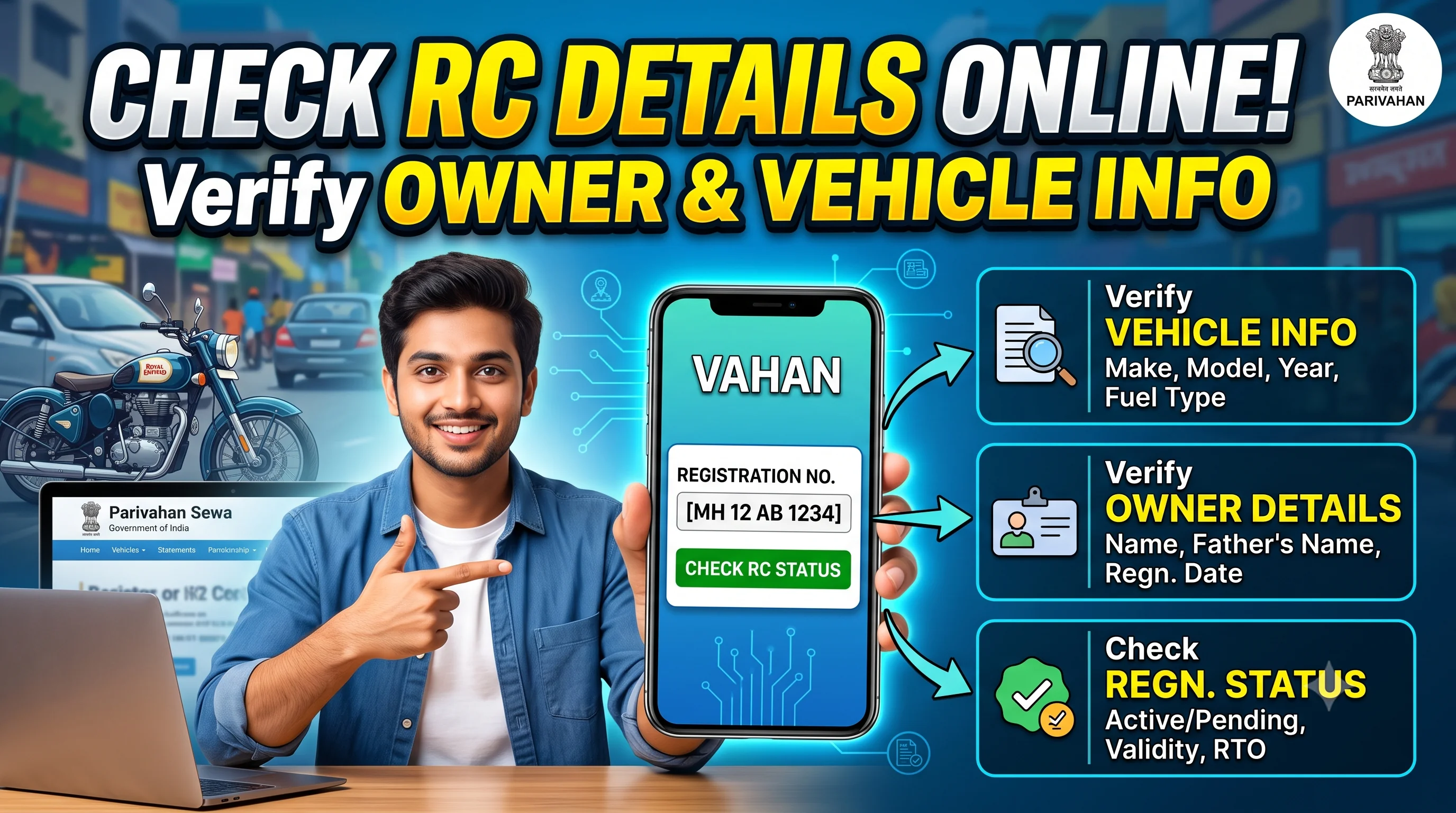
Start on the official Parivahan portal
Enter your vehicle number on Parivahan to view available Registration Certificate details. We do not store or process your registration number.
Quick Answer
RC Details (Registration Certificate Details) contain important information about a registered vehicle, such as the owner's name, registration number, engine number, chassis number, fuel type, insurance status, tax validity, and registration validity. You can easily check your RC Details online through the official Parivahan Portal, Vahan database, or mParivahan mobile application.
RC Details Online — Overview
Every vehicle registered in India is assigned a unique Registration Certificate (RC) by the Regional Transport Office (RTO). This document acts as the legal identity of the vehicle and confirms that it has been officially registered under the Motor Vehicles Act.
Today, you no longer need to visit an RTO office just to verify your vehicle registration information. With the help of the official Parivahan and Vahan services, you can check RC Details online within a few minutes using your vehicle registration number. If you only want to know whether your Registration Certificate has already been issued, is under processing, or has been dispatched, you should first Check RC Status before proceeding further. This helps you understand the current status of your RC application and avoids unnecessary confusion while searching for vehicle records.
Checking RC Details is useful in many situations. Whether you are purchasing a second-hand vehicle, renewing insurance, applying for a loan, verifying ownership, or confirming registration information before a vehicle transfer, accurate RC information helps you make informed decisions. Once you have verified all the registration information, you can also Download RC Online to access the digital copy of your Registration Certificate through the official Parivahan services or supported government platforms.
What are RC Details?
RC Details refer to the official information stored in your vehicle's Registration Certificate (RC). Every car, bike, scooter, commercial vehicle, and transport vehicle registered in India receives an RC from the Regional Transport Office (RTO). This certificate contains complete information about both the vehicle and its registered owner.
The Registration Certificate serves as proof that the vehicle has been legally registered with the transport authority. It is one of the most important documents every vehicle owner must maintain throughout the life of the vehicle.
A standard RC includes information such as:
- Registration Number
- Owner Name
- Vehicle Class
- Manufacturer
- Model
- Fuel Type
- Engine Number
- Chassis Number
- Registration Date
- Registration Validity
- Insurance Details
- Road Tax Details
- Fitness Certificate (where applicable)
- Hypothecation Information
- Permit Information
If any information displayed in your RC is incorrect, it should be corrected as soon as possible because inaccurate registration records can create problems during insurance claims, ownership transfers, or legal verification. In such situations, you should follow the RC Correction Process to update incorrect information in your Registration Certificate through the official transport department.
Why are RC Details Important?
Many vehicle owners only look at their RC when required by the police or insurance company. However, your Registration Certificate is much more than just a legal document.
Regularly checking your RC Details helps you verify that all information recorded in government databases is accurate and up to date.
RC Details become especially important when:
- Buying a used vehicle
- Selling your vehicle
- Applying for insurance
- Renewing insurance
- Taking a vehicle loan
- Removing a vehicle loan
- Transferring ownership
- Renewing Registration Certificate
- Downloading digital RC
- Verifying ownership
For example, if you have recently purchased a second-hand vehicle, checking RC Details alone is not enough. You should also complete the official RC Transfer Process so that ownership is legally transferred into your name. Until the transfer is completed, government records will continue to show the previous owner.
Similarly, if your original Registration Certificate has been lost, stolen, or damaged, checking RC Details confirms that your registration is active before applying for a replacement. You can then follow our complete Duplicate RC Guide to apply for a duplicate Registration Certificate through the official Parivahan Portal.
Information Available in RC Details
When you search for your vehicle registration information online, several important details become available.
| Information | Description |
|---|---|
| Registration Number | Official vehicle registration number |
| Owner Name | Registered owner of the vehicle |
| Vehicle Class | LMV, HMV, Private, Commercial etc. |
| Vehicle Category | Car, Bike, Transport Vehicle |
| Fuel Type | Petrol, Diesel, CNG, Electric, Hybrid |
| Engine Number | Vehicle engine identification |
| Chassis Number | Vehicle chassis identification |
| Registration Date | Original registration date |
| RC Validity | Registration expiry date |
| Insurance Status | Insurance availability |
| Tax Details | Road tax validity |
| Hypothecation | Bank or finance company details |
| Fitness Certificate | Commercial vehicle fitness status |
| Permit Details | Applicable transport permits |
If your Registration Certificate has already been approved and issued, you don't need to visit the RTO office to collect basic registration information. Instead, you can simply Download RC Book Online to access your digital Registration Certificate and understand the complete structure of an RC Book, Smart RC, and digital vehicle documents.
Why Should You Verify RC Details Before Buying a Used Vehicle?
One of the biggest mistakes people make while purchasing a second-hand vehicle is relying only on the seller's statements.
Before making any payment, always verify the official Registration Certificate details through government records.
Checking RC Details helps you confirm:
- Registered Owner
- Vehicle Registration Date
- Vehicle Age
- Fuel Type
- Vehicle Class
- Hypothecation Status
- Registration Validity
If the RC record still shows an active loan against the vehicle, the seller must first complete the Hypothecation Removal Process after closing the loan. Purchasing a vehicle with an active hypothecation may create legal and ownership complications later.
Likewise, if the Registration Certificate is close to expiry, especially for older vehicles, you should check whether the owner has completed the RC Renewal Process. Driving with an expired RC may lead to penalties and additional renewal charges depending on the applicable transport regulations.
Benefits of Checking RC Details Online
Online RC verification has made vehicle management much easier than before.
Some major benefits include:
- Instant verification of vehicle registration
- Government-authorized vehicle information
- Helps prevent fraud while purchasing used vehicles
- Easy verification before insurance renewal
- Supports vehicle ownership transfer
- Confirms registration validity
- Saves time by reducing RTO visits
- Available online anytime
- Supports digital documentation
- Improves transparency during vehicle transactions
Once you verify your Registration Certificate details, it is also recommended to Verify Your Vehicle RC whenever you are purchasing a used vehicle or sharing vehicle information with third parties. This additional verification step helps confirm that the available registration information matches the official transport records and reduces the risk of fraud.
How to Check RC Details Online on Parivahan
Checking your RC Details online is a simple process that allows vehicle owners and buyers to verify official registration information without visiting the Regional Transport Office (RTO). The Government of India has made this service available through the Parivahan Portal, which is connected to the Vahan database and maintained by the Ministry of Road Transport and Highways (MoRTH).
Whether you own a car, bike, scooter, or commercial vehicle, you can use your vehicle registration number to access important registration information in just a few minutes.
If your objective is only to confirm whether your Registration Certificate has already been issued or is still under processing, you should first Check RC Status. Once the status shows that the RC has been generated successfully, you can proceed to download the digital Registration Certificate by following our RC Download Guide.
Documents Required to Check RC Details
Unlike many RTO services, checking RC Details does not require uploading any documents. In most cases, you only need your vehicle registration number.
You should keep the following information ready:
- Vehicle Registration Number
- Internet Connection
- Mobile Phone or Computer
- Browser with Internet Access
If you plan to download the Registration Certificate after verification, additional authentication may be required depending on the service being used. Our detailed RC Book Download Guide explains the complete process for downloading your digital Registration Certificate through different government platforms.
Steps to Check RC Details Through Parivahan
Follow these simple steps to verify your vehicle registration information.
Step 1 – Visit the Official Portal
Open the official Parivahan vehicle services portal using your preferred web browser.
Always use the official government website to avoid incorrect information or fraudulent third-party services.
Step 2 – Select Vehicle Related Services
Navigate to the Vehicle Related Services section.
This section provides access to various online vehicle services, including Registration Certificate information, ownership transfer, duplicate RC applications, hypothecation removal, and renewal services.
If you are planning to update your vehicle ownership after purchasing a used vehicle, you should also review the complete RC Transfer Process to understand the legal requirements and documentation involved.
Step 3 – Enter Your Vehicle Registration Number
Enter your complete vehicle registration number exactly as mentioned on your RC Book.
For example:
- MH12AB1234
- DL01CD4567
- GJ05XY7890
Double-check the number before submitting the request, as an incorrect registration number may not return the correct vehicle information.
Step 4 – Complete Verification
Depending on the service, you may be required to complete CAPTCHA verification or other security checks.
These measures help protect government databases from automated misuse.
Step 5 – View RC Details
After successful verification, the system displays the available Registration Certificate information associated with the vehicle.
The displayed information may include:
- Registration Number
- Owner Name
- Registration Date
- Vehicle Class
- Vehicle Category
- Manufacturer
- Model
- Fuel Type
- Engine Number (partially masked)
- Chassis Number (partially masked)
- Registration Validity
- Insurance Details
- Tax Status
- Fitness Certificate
- Permit Details
- Hypothecation Information
If you notice incorrect information during verification, you should apply for RC Correction as early as possible to ensure your official registration records remain accurate.
Check RC Details Using mParivahan App
Vehicle owners who frequently need access to their vehicle documents can also use the official mParivahan mobile application.
The application allows users to access digital vehicle records directly from their smartphone without carrying physical documents everywhere.
Steps
- Install the official mParivahan application.
- Sign in using your mobile number.
- Add your vehicle using the registration number.
- Complete verification.
- View your vehicle's Registration Certificate information.
One of the biggest advantages of the app is that it also supports digital vehicle documents. After successful verification, many users choose to keep a digital copy instead of carrying the physical RC Book. If you also want a downloadable copy, follow our detailed RC Download Guide for all available methods, including Parivahan, DigiLocker, and other supported platforms.
Check RC Details Through Vahan
The Vahan database is India's centralized vehicle registration system.
Almost every state transport department updates vehicle registration information through this database, making it one of the most reliable sources for checking vehicle records.
Vahan helps users verify:
- Registration Information
- Vehicle Category
- Fuel Type
- Registration Validity
- Tax Information
- Insurance Details
- Permit Status
- Fitness Information
If you're purchasing a pre-owned vehicle, checking Vahan records should always be your first step before making payment. Once you've confirmed the details, don't forget to complete the official RC Transfer Process so the ownership is legally updated in government records.
How to Check RC Details by Vehicle Number
One of the most common questions users ask is:
"Can I check RC Details using only my vehicle number?"
The answer is Yes.
Your vehicle registration number is sufficient to retrieve the available Registration Certificate information through the official government services.
Simply enter your vehicle number into the appropriate search field, complete the required verification, and the system will display the associated registration details.
This feature is especially useful when:
- Buying a used vehicle
- Verifying ownership
- Confirming registration details
- Checking vehicle category
- Verifying insurance information
- Checking tax validity
However, remember that the purpose of RC Details is verification. If your Registration Certificate is missing, damaged, or unavailable, you should apply for a replacement through our Duplicate RC Guide instead of relying only on online records.
Can You Check Car and Bike RC Details Separately?
Yes.
The process for checking Car RC Details and Bike RC Details is exactly the same.
The only difference is the type of information recorded in the Registration Certificate.
For a Car, the RC generally includes details such as:
- Seating Capacity
- Fuel Type
- Vehicle Class
- Registration Validity
- Insurance
- Tax Information
For a Bike, the RC includes:
- Engine Capacity (CC)
- Fuel Type
- Registration Details
- Insurance Status
- Chassis Number
- Engine Number
Whether you own a car or a two-wheeler, once your Registration Certificate has been issued, you can Download RC Online and securely store a digital copy for future use.
Understanding Every Field in RC Details
When you check your RC Details online, you'll notice that the Registration Certificate contains much more information than just the vehicle number and owner's name. Every field serves a specific purpose and helps government authorities, insurance companies, financial institutions, and vehicle owners verify the authenticity and legal status of a vehicle.
Understanding these details is important because incorrect or outdated information may lead to problems during insurance claims, vehicle resale, ownership transfer, loan closure, or other RTO-related services.
Let's understand each field in detail.
1. Registration Number
The Registration Number is the unique identity of your vehicle issued by the Regional Transport Office (RTO). It follows a standard format that includes the state code, RTO code, series, and vehicle number.
For example:
- MH 12 AB 1234
- DL 01 CD 4567
- GJ 05 XY 9876
This number remains associated with the vehicle throughout its life unless specific legal changes are made.
It is also the primary detail required when checking RC Status, downloading your digital Registration Certificate through RC Download, or verifying vehicle ownership online.
2. Registered Owner Name
The Owner Name indicates the individual or organization legally registered as the owner of the vehicle.
Whenever you purchase a used vehicle, this is one of the first details you should verify. The seller's identity should match the name available in the official Registration Certificate.
If the ownership has changed but the RC still displays the previous owner's name, the official RC Transfer Process has not yet been completed. Until the transfer is approved by the RTO, the legal ownership remains unchanged.
Never purchase a second-hand vehicle without verifying this information.
3. Vehicle Class
The RC also specifies the Vehicle Class, which determines how the vehicle can legally be used.
Common classes include:
- LMV (Light Motor Vehicle)
- Motorcycle
- Motor Car
- Transport Vehicle
- Goods Vehicle
- Passenger Vehicle
- Agricultural Vehicle
This classification affects road tax, insurance premiums, permit requirements, and fitness certificate obligations.
Commercial vehicles generally require periodic Fitness Certificate Renewal, whereas most private vehicles follow different regulatory requirements.
4. Vehicle Manufacturer and Model
The Registration Certificate records the exact manufacturer and model approved during registration.
For example:
- Maruti Suzuki
- Hyundai
- Tata Motors
- Mahindra
- Honda
- Hero
- Royal Enfield
Along with the manufacturer, the specific model name is also recorded.
When buying a used vehicle, always verify that the RC model matches the actual vehicle. Differences may indicate incorrect registration records or potential fraud.
5. Engine Number
The Engine Number is a unique identification number assigned by the manufacturer.
Unlike the registration number, the engine number is permanently associated with the engine itself.
Government portals usually display only a partially masked version of the engine number for privacy and security reasons.
This number is frequently required during:
- Insurance claims
- Vehicle verification
- Ownership transfer
- Duplicate RC applications
If your original Registration Certificate is lost and you need a replacement, you can apply through our detailed Duplicate RC Guide after verifying your vehicle details.
6. Chassis Number
The Chassis Number (Vehicle Identification Number or VIN) is another permanent identifier assigned during manufacturing.
It is extremely important because it uniquely identifies the physical vehicle.
The chassis number helps authorities verify:
- Vehicle authenticity
- Accident history
- Theft investigations
- Registration records
- Ownership verification
As with the engine number, only partial digits may be visible online for security reasons.
7. Fuel Type
Your Registration Certificate also records the approved fuel type.
Common categories include:
- Petrol
- Diesel
- CNG
- LPG
- Electric
- Hybrid
If a vehicle has been legally converted to another fuel type, the RC must be updated accordingly.
Failing to update the Registration Certificate after fuel conversion may create legal complications. In such situations, vehicle owners should follow the official RC Update Process to ensure government records reflect the latest vehicle information.
8. Registration Date and RC Validity
The Registration Date indicates when the vehicle was officially registered with the RTO.
The Registration Certificate also includes its validity period.
For many private vehicles, the initial validity is up to 15 years, after which renewal is required as per applicable rules.
If your RC is approaching expiry, it is advisable to begin the RC Renewal Process before the validity ends. Renewing your Registration Certificate on time helps avoid penalties, additional inspections, and delays in obtaining updated documents.
9. Insurance Details
Many vehicle owners use RC Details to confirm whether insurance information has been updated correctly.
Although the level of information available online may vary, insurance status can help you identify whether your records have been synchronized properly.
Maintaining valid insurance is mandatory under Indian law, and it should always match the details recorded for your vehicle.
10. Hypothecation Details
If your vehicle was purchased using a bank or finance company loan, the Registration Certificate usually includes Hypothecation Details.
This indicates that the lender has a financial interest in the vehicle until the loan is fully repaid.
After closing the loan, many owners forget to remove hypothecation from their RC.
As a result, the financier's name continues to appear in government records even though the loan has already been settled.
To update your Registration Certificate correctly, follow the complete Hypothecation Removal Guide after obtaining the required documents from your lender.
11. Tax and Permit Details
Road tax information is another important section of your Registration Certificate.
For commercial vehicles, permit details may also be available.
These records help authorities verify that the vehicle complies with transport regulations.
Before purchasing a commercial vehicle, always verify:
- Road tax validity
- Permit validity
- Registration validity
- Fitness Certificate status
Checking these details beforehand can help you avoid unexpected legal or financial issues after purchase.
Why Understanding RC Details Matters
Many people only check whether an RC exists, but understanding every field helps you make informed decisions about ownership, resale, insurance, and compliance.
Whether you are renewing your Registration Certificate, downloading a digital copy, transferring ownership, or verifying a used vehicle, each field provides valuable information about the vehicle's legal and operational status.
By learning how to interpret RC Details correctly, you can identify discrepancies early and take the appropriate action through the relevant RTO service, ensuring your vehicle records remain accurate and up to date.
More Related Services
RC Status
Check whether your RC is issued, pending, or dispatched.
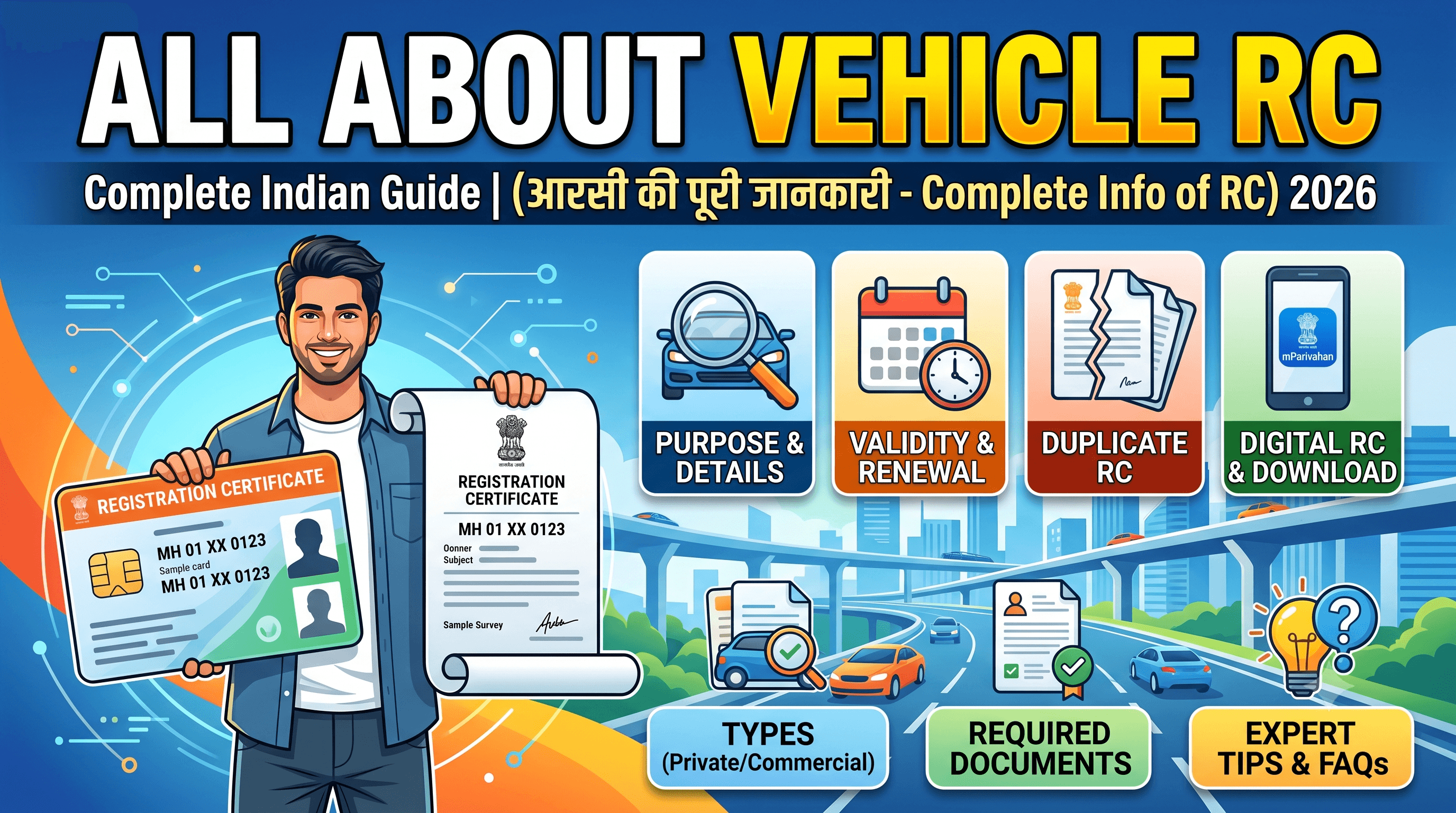
RC Download
Access your digital Registration Certificate online.
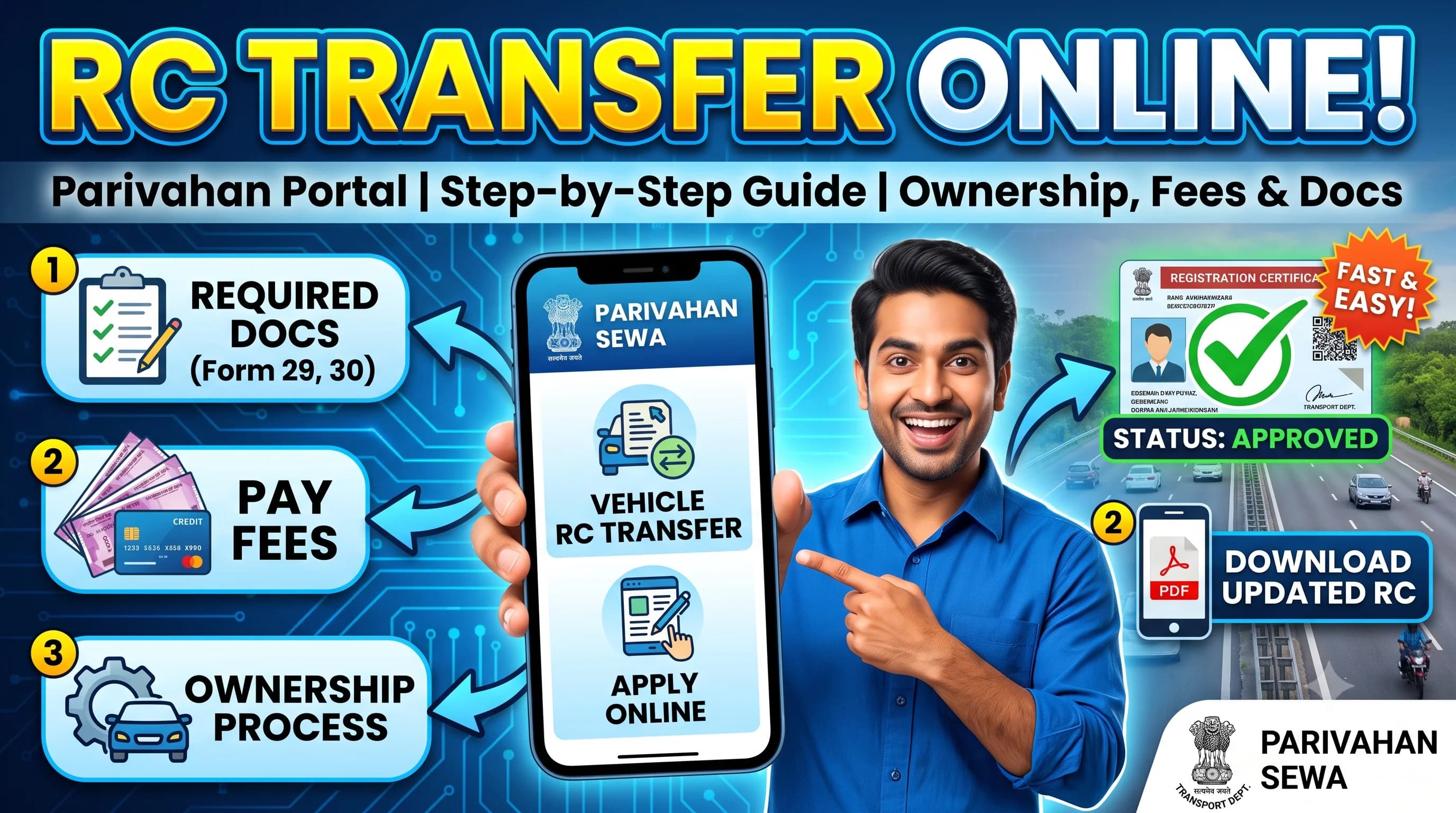
RC Transfer
Learn how ownership transfer updates official RC records.
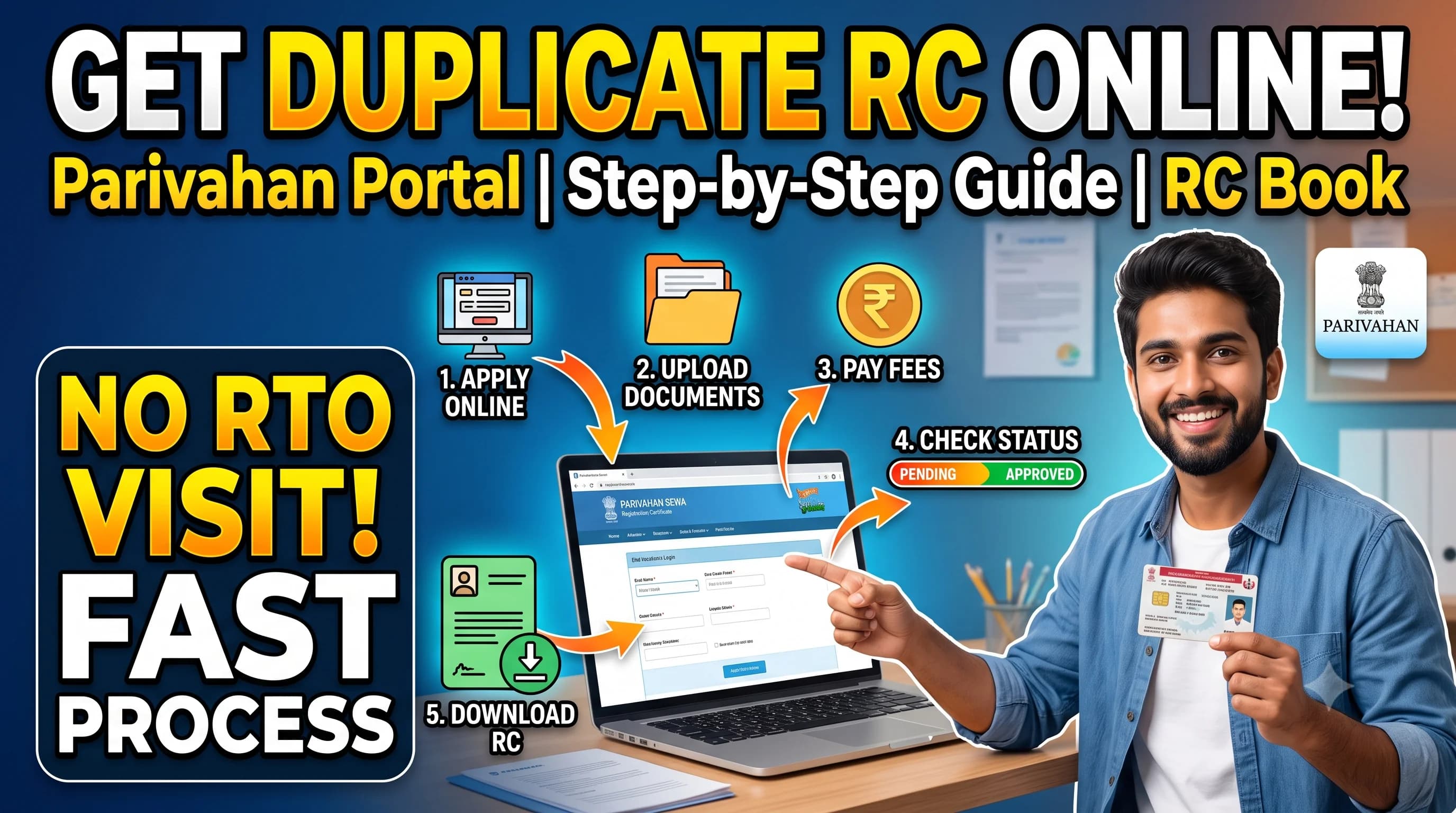
Duplicate RC
Replace a lost, stolen, or damaged Registration Certificate.
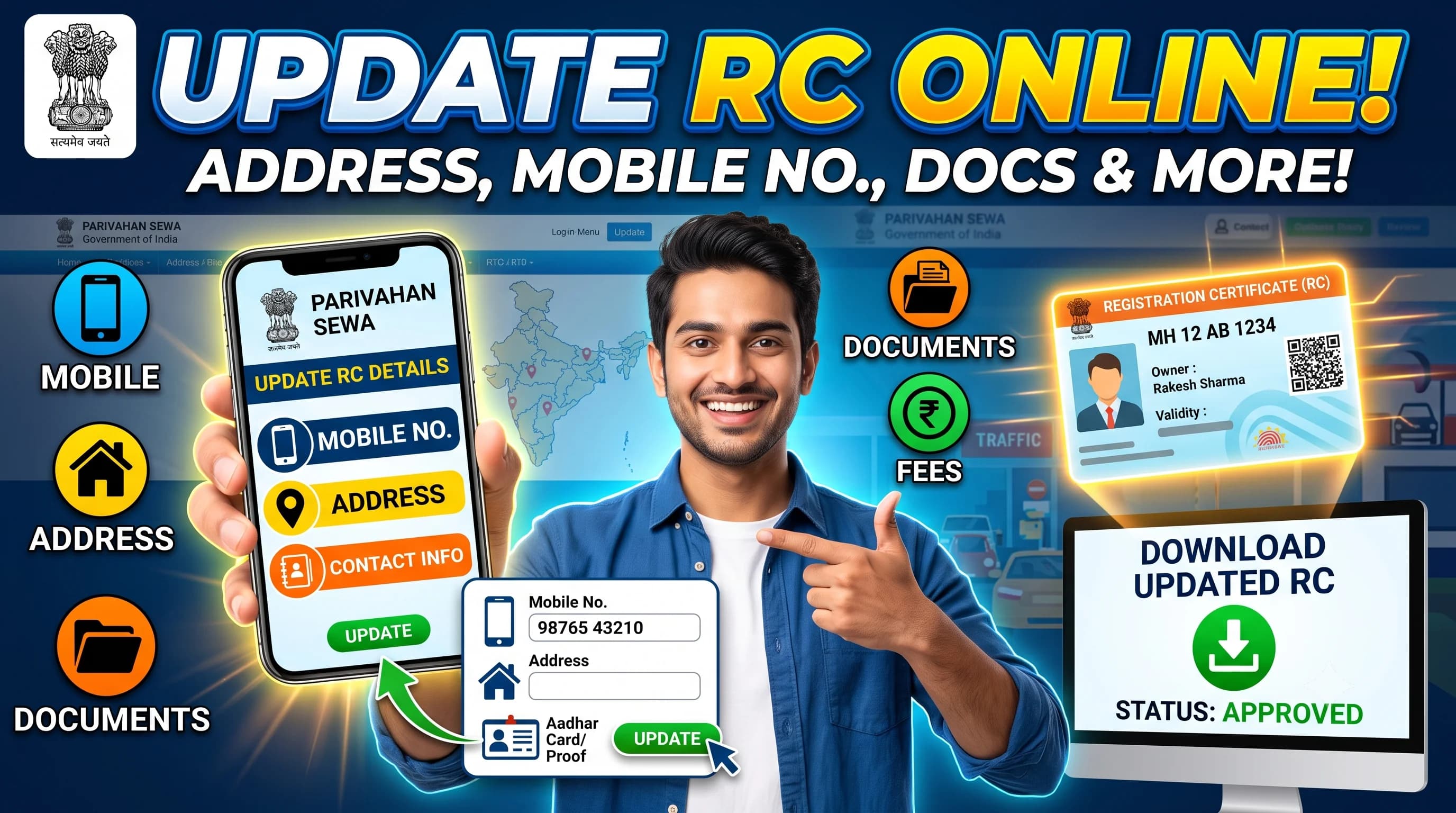
RC Update
Correct or update incorrect details on your RC.
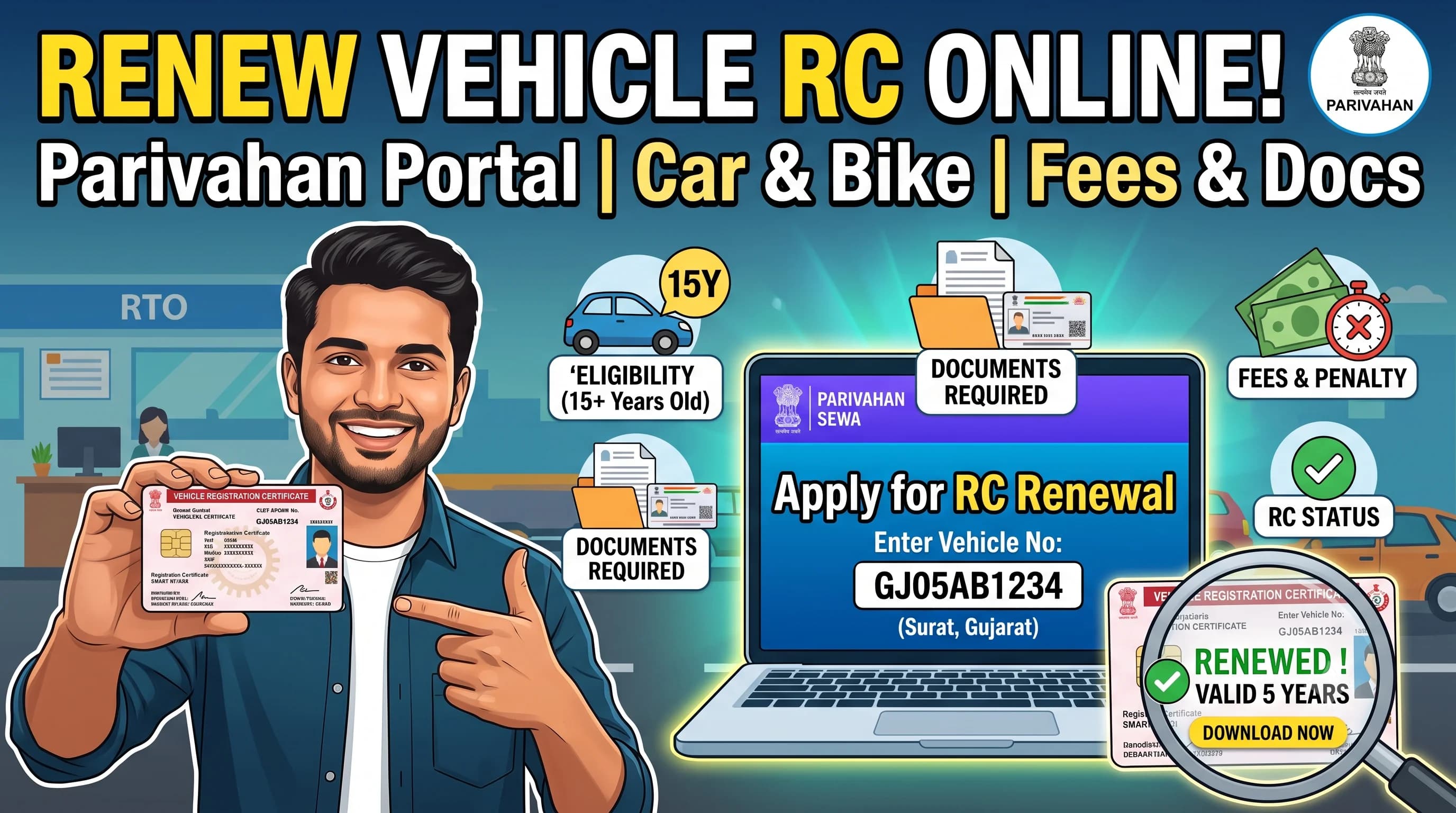
RC Renewal
Renew your Registration Certificate before validity ends.
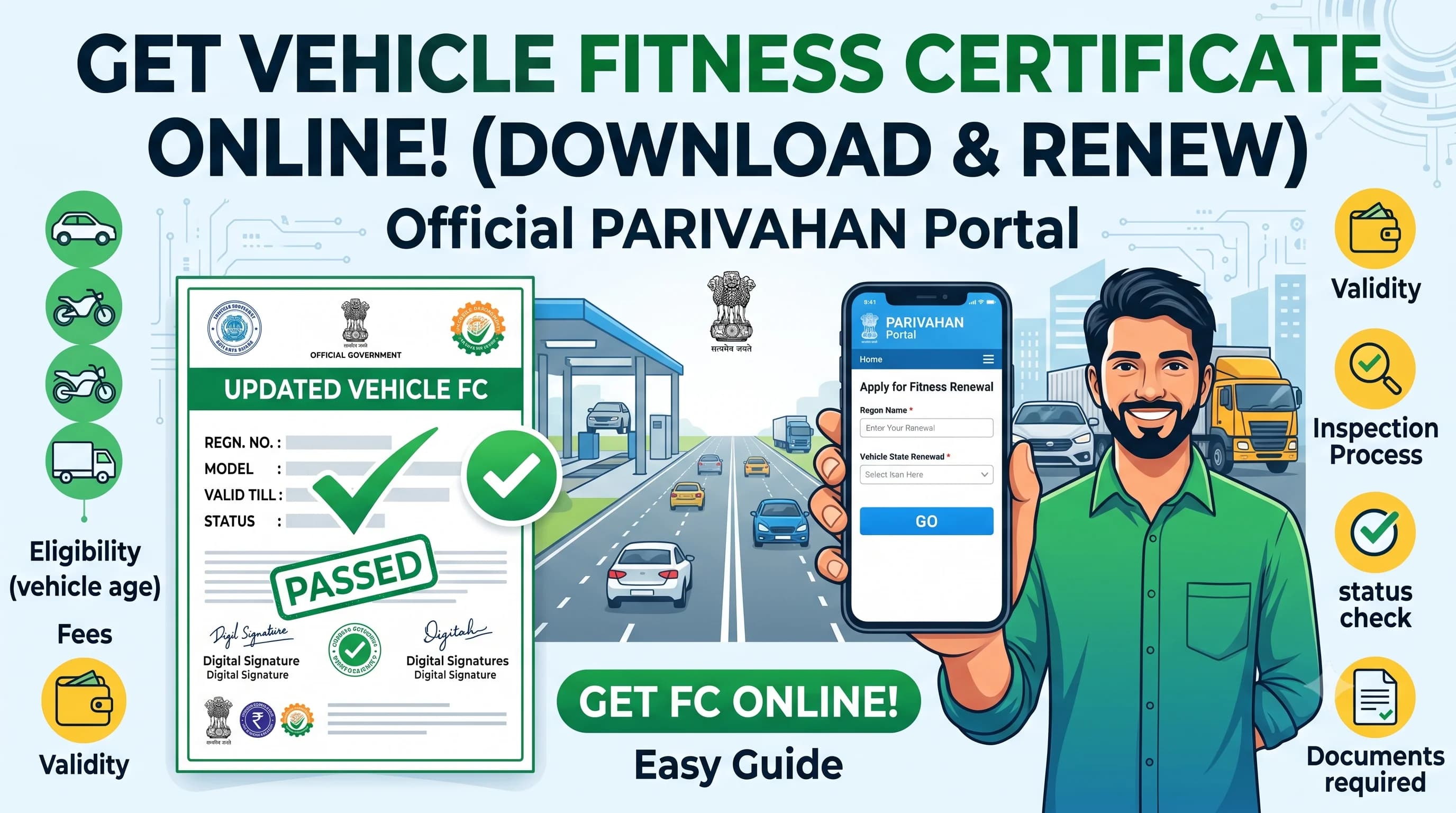
Fitness Certificate
Understand fitness requirements for commercial vehicles.
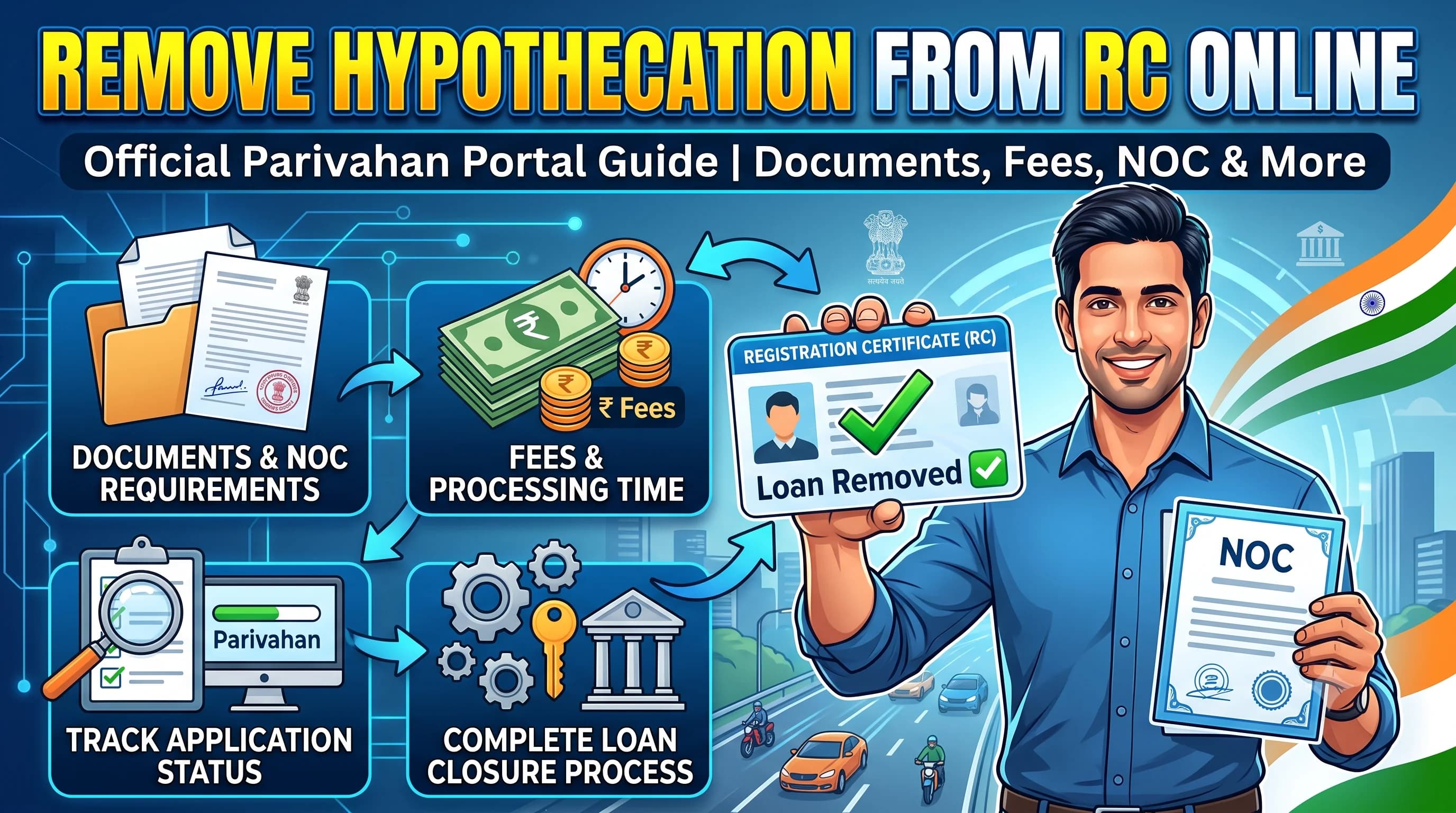
Hypothecation Removal
Remove lender details after your vehicle loan is closed.
Frequently Asked Questions
RC Details include the official registration information of a vehicle such as owner name, registration number, chassis number, engine number, registration date and vehicle class.
You can check RC Details online through the official Parivahan portal using your vehicle registration number.
Yes. In most cases, you can check available RC information using the vehicle registration number through official transport services.
Yes. Once your Registration Certificate has been issued, you may be able to download the digital RC through the official transport services where available.
No. RCDownloads.com is an independent informational website that publishes educational guides about RC-related services. Users should complete all official transactions through the respective government transport portals.