RC Smart Card Online | Apply, Download, Status & Benefits
Everything You Need to Know About RC Smart Cards
- Apply Online
- Smart Card Download Guide
- Check Smart Card Status
- Documents Required
- Replacement Process
- Fees & Charges
- Benefits
- FAQs
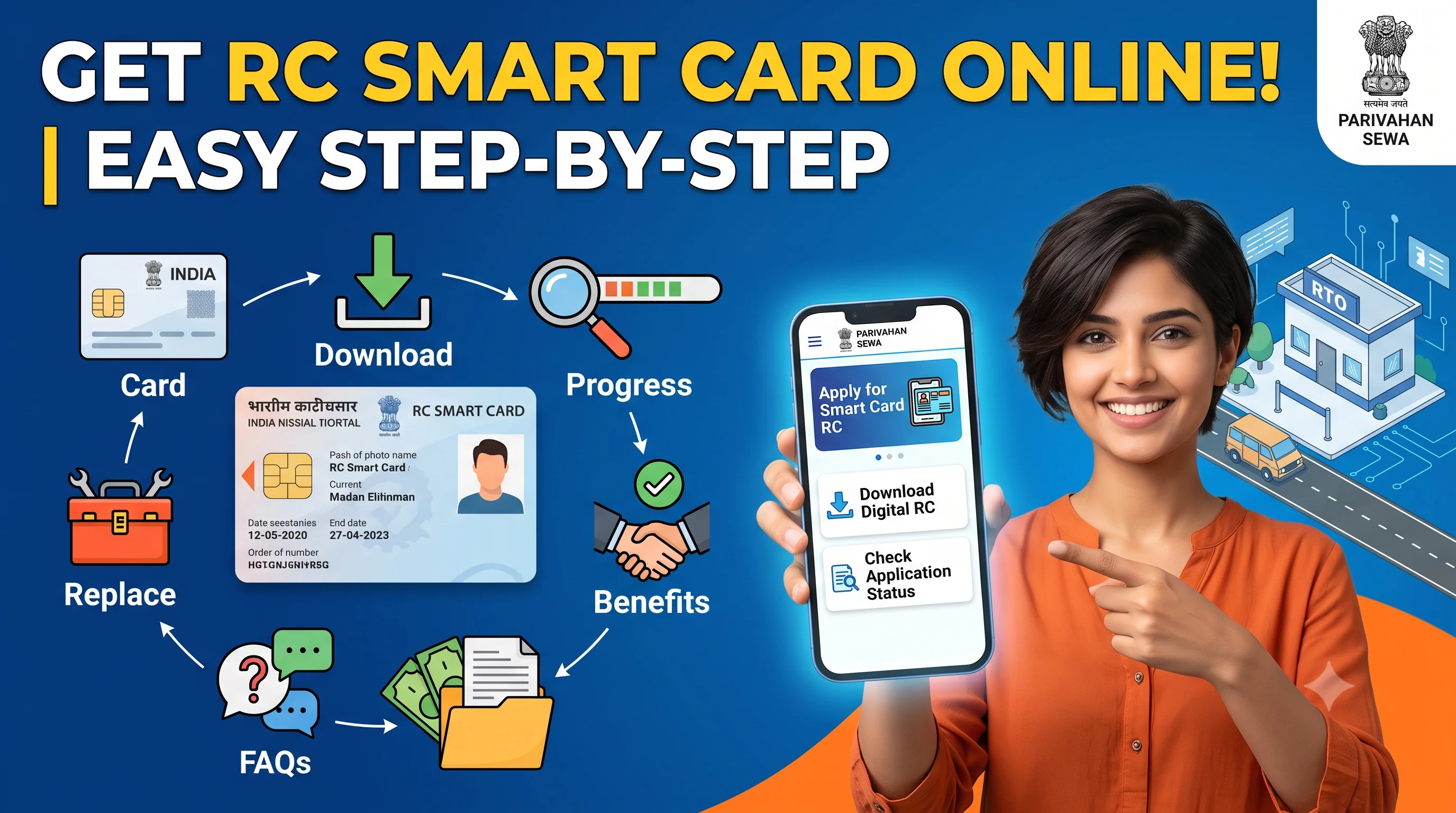
Start on the official Parivahan portal
Opens the official Parivahan portal in a new tab.
Quick Action Center
| Want To | Service |
|---|---|
| Download RC | RC Download |
| Track Application | RC Status |
| Verify Vehicle Details | RC Details |
| Replace Lost RC | Duplicate RC |
| Verify Vehicle Before Buying | RC Verification |
Quick Answer
An RC Smart Card is a modern version of the traditional Registration Certificate issued by the Regional Transport Office (RTO). Instead of a paper booklet or laminated certificate, vehicle registration details are stored on a durable smart card that is easier to carry, more resistant to damage, and designed for long-term use.
Many transport authorities now issue RC Smart Cards for newly registered vehicles and replacement Registration Certificates. Depending on your state, you may also be able to access a digital version of your Registration Certificate through official platforms.
After your Smart Card is issued, you can Check RC Status to monitor dispatch and Download RC Online where digital access is available.
Did You Know?
India's transport ecosystem has increasingly adopted digital and smart document systems to simplify vehicle-related services. Smart RC Cards, digital Registration Certificates, and online verification services help vehicle owners access important information more conveniently while reducing dependence on paper documents.
RC Smart Card Overview
| Details | Information |
|---|---|
| Service | RC Smart Card |
| Issued By | Regional Transport Office (RTO) |
| Mode | Online Application + Physical Card Issuance (where applicable) |
| Portal | Parivahan |
| Applicable For | Cars, Bikes, Scooters & Commercial Vehicles |
| Digital Version | Available through supported official platforms |
| Replacement | Available if lost or damaged |
| Status Tracking | Online |
Why RC Smart Cards Replaced Traditional RC Books
Earlier, vehicle owners generally received a paper-based Registration Certificate or RC Book. While these documents served their purpose, they were more vulnerable to wear, moisture, fading, and physical damage over time.
RC Smart Cards were introduced to provide a more durable and convenient format for storing registration information.
Some advantages include:
- Compact and easy to carry.
- Better resistance to physical damage.
- Long-lasting document format.
- Easier document management.
- Improved compatibility with digital transport services.
Many states now issue Smart Cards instead of the older RC Book format, although practices may vary by transport authority.
RC Smart Card vs Paper RC Book
| RC Smart Card | Paper RC Book |
|---|---|
| Compact card format | Booklet or paper document |
| More durable | More vulnerable to wear and damage |
| Convenient to carry | Bulkier to store |
| Modern format | Traditional format |
| Often paired with digital services | Primarily physical document |
Both documents serve as proof of vehicle registration, but the Smart Card format is generally more convenient for everyday use.
What Information Does an RC Smart Card Contain?
An RC Smart Card generally contains registration-related information such as:
- Registration Number
- Owner Name
- Vehicle Make
- Vehicle Model
- Fuel Type
- Registration Date
- Chassis Information
- Engine Information
- Vehicle Category
- Registration Validity
Before relying on the information, always compare it with RC Detailswhenever you need to verify your vehicle's registration records.
Why Should You Get an RC Smart Card?
A Smart Card offers several practical benefits for vehicle owners.
Better Durability
Unlike paper documents, Smart Cards are designed for regular handling and are generally more resistant to everyday wear.
Easy to Carry
The compact size makes it convenient to keep with other important documents.
Faster Access to Vehicle Information
Vehicle owners can quickly refer to important registration information whenever required.
Supports Digital Services
Smart Cards complement many online transport services, including RC Download and RC Verification.
Useful During Ownership Transfer
If you plan to sell your vehicle later, having updated registration documents can simplify RC Transfer.
Who Should Apply for an RC Smart Card?
An RC Smart Card may be suitable for:
- New vehicle owners.
- Existing vehicle owners replacing older documents.
- Owners with damaged Registration Certificates.
- Owners with lost Registration Certificates.
- Vehicle owners updating registration records.
- Commercial vehicle owners where applicable.
If your Registration Certificate has been lost, you should first apply for a Duplicate RC before obtaining the replacement Smart Card where applicable.
When Should You Apply?
You may consider applying in situations such as:
New Vehicle Registration
Many newly registered vehicles are issued Smart Cards depending on state procedures.
Lost Registration Certificate
If your RC has been lost, damaged, or stolen, apply for Duplicate RC first.
Damaged Paper RC
If your existing Registration Certificate is no longer readable, replacing it with a Smart Card can improve usability.
Updating Vehicle Documents
If you're already completing another vehicle-related service, your transport authority may issue an updated Smart Card depending on local procedures.
Documents Required
Although requirements vary by state, applicants should generally keep:
| Document | Required |
|---|---|
| Registration Certificate | ✅ |
| Identity Proof | ✅ |
| Address Proof | If Required |
| Insurance Certificate | ✅ |
| Pollution Under Control (PUC) Certificate | ✅ |
| Passport-size Photograph | If Required |
| Application Form | ✅ |
| Applicable Fee Receipt | After Payment |
If any information recorded in your Registration Certificate is incorrect, complete RC Correction before applying for a Smart Card.
Before You Apply
Before requesting an RC Smart Card:
- Review your Registration Certificate.
- Verify your vehicle details through RC Details.
- Ensure your insurance is valid.
- Keep your PUC Certificate ready.
- Confirm that your address and owner information are up to date.
- Gather all required supporting documents.
Preparing everything in advance can help reduce delays during processing.
Common Scenario
My RC Book Is Damaged
↓ Can I continue using it?
↓ If the document is damaged or difficult to read, consider applying for a replacement through the appropriate RTO service.
↓ If required, obtain a Duplicate RC.
↓ Track the application using RC Status.
↓ Receive the Smart Card.
↓ Access your digital Registration Certificate through RC Download where available.
Common Myths About RC Smart Cards
❌ Myth: A Smart Card is different from the Registration Certificate.
Fact: An RC Smart Card is simply another format of the Registration Certificate issued by the transport authority.
❌ Myth: Paper RCs are no longer valid.
Fact: The validity of your Registration Certificate depends on the applicable transport rules and the document issued by the authority, not merely on whether it is paper or smart card.
❌ Myth: A Smart Card automatically updates vehicle details.
Fact: If your information changes or contains errors, you still need to complete services such as RC Update or RC Correction.
Expert Tips
✔ Keep a Digital Backup
Where official digital access is available, use RC Download to maintain a backup copy of your Registration Certificate.
✔ Protect Your Physical Card
Although Smart Cards are durable, store them safely to reduce the risk of damage or loss.
✔ Verify Your Information
After receiving your Smart Card, compare the details with RC Details to ensure everything is accurate.
How to Apply for an RC Smart Card Online
Depending on your state's transport department, you may be able to start the RC Smart Card application through the official Parivahan portal. The online process generally allows eligible applicants to submit their application, upload supporting documents, pay the applicable fee, and track the application status.
In some cases, you may still need to visit the Regional Transport Office (RTO) for document verification or biometric verification before the Smart Card is issued.
Before applying, review your vehicle information using RC Details to ensure your Registration Certificate contains accurate information.
Step-by-Step Process to Apply for an RC Smart Card
Step 1 – Visit the Official Parivahan Portal
Go to the official Vehicle Related Services portal and select your state or Regional Transport Office (RTO).
Always use the official government portal for vehicle-related services.
Step 2 – Select RC Smart Card Service
Choose the Smart Card or Registration Certificate-related service available for your vehicle.
The available options may differ depending on your state's transport department.
Step 3 – Enter Vehicle Details
Provide the required vehicle information, such as:
- Registration Number
- Chassis Number (if requested)
- Engine Number (if requested)
Verify all details carefully before proceeding.
Step 4 – Upload Required Documents
Upload the requested documents.
These commonly include:
- Registration Certificate
- Insurance Certificate
- Pollution Under Control (PUC) Certificate
- Identity Proof
- Address Proof (where applicable)
Ensure all uploaded documents are clear and valid.
Step 5 – Pay the Applicable Fee
Complete the online payment using the available payment options.
Save the acknowledgement and payment receipt for future reference.
Step 6 – Verification Process
Depending on your state's procedure, the RTO may verify:
- Vehicle records
- Applicant details
- Supporting documents
Some applications may also require an in-person visit.
Step 7 – Smart Card Printing
Once your application is approved, the Smart Card enters the printing stage.
Step 8 – Dispatch & Delivery
After printing, the Smart Card is dispatched according to the transport department's delivery process.
You can monitor progress using RC Status.
Offline Application Process
If online services are unavailable, you can apply directly through your Regional Transport Office.
Typical steps include:
- Visit the RTO.
- Collect the application form.
- Fill in the required details.
- Attach supporting documents.
- Pay the prescribed fee.
- Complete document verification.
- Receive acknowledgement.
- Wait for Smart Card printing and delivery.
RC Smart Card Fees
The applicable fee depends on factors such as:
- State transport department
- Type of application
- New issue or replacement
- Applicable government charges
The exact amount is determined by the concerned transport authority at the time of application.
Processing Time
Processing time depends on:
- State RTO
- Document verification
- Application volume
- Smart Card printing
- Dispatch process
Applications with complete and accurate documentation are generally processed more efficiently.
How to Check RC Smart Card Status
After submitting your application, you can monitor its progress online.
Common status messages include:
| Status | Meaning |
|---|---|
| Application Submitted | Request received |
| Under Verification | Documents being reviewed |
| Approved | Application approved |
| Card Printing | Smart Card is being printed |
| Dispatched | Card has been sent |
| Delivered | Card delivered successfully |
Checking your application regularly helps you stay informed throughout the process.
How to Download Your Digital RC
While the physical Smart Card is being processed or after it has been issued, eligible users may be able to access a digital version of their Registration Certificate through supported official services.
To do so:
- Verify your vehicle details.
- Access the official digital service.
- Retrieve your Registration Certificate if available.
For complete guidance, visit RC Download.
Lost Your RC Smart Card?
If your Smart Card has been:
- Lost
- Stolen
- Damaged
- Destroyed
You should apply for a Duplicate RC through the prescribed process.
Do not wait until you need the document for another vehicle-related service.
When Should You Replace Your RC Smart Card?
Replacement may be appropriate if:
- The card is damaged.
- The chip is unreadable.
- Important information is incorrect.
- The card has been lost.
- The card has been stolen.
If the information printed on the card is incorrect, complete RC Correction before requesting a replacement.
Common Reasons for Application Delay
Applications may take longer due to:
- Incomplete documentation.
- Incorrect vehicle information.
- Pending verification.
- Payment issues.
- Printing delays.
- Incorrect address details.
Reviewing your information beforehand can help reduce avoidable delays.
Common Mistakes to Avoid
Avoid these common mistakes:
- Applying with incorrect vehicle details.
- Uploading unclear documents.
- Forgetting to verify the owner's information.
- Ignoring application status updates.
- Not downloading the digital RC after approval.
- Losing the acknowledgement receipt.
- Applying for RC Correction and Smart Card replacement simultaneously without understanding the sequence.
Expert Tips
✔ Verify Your RC First
Review your vehicle information using RC Details before starting the application.
✔ Track Every Stage
Use RC Status instead of waiting for manual updates.
✔ Download the Digital Version
Even after receiving the physical Smart Card, keep a digital copy through RC Download where available.
✔ Keep Supporting Documents Updated
Ensure that your insurance and PUC Certificate remain valid before applying.
✔ Protect Your Smart Card
Avoid bending, scratching, or exposing the card to excessive heat or moisture.
RC Smart Card vs Digital RC
| RC Smart Card | Digital RC |
|---|---|
| Physical card issued by the transport authority. | Electronic version available through supported official platforms. |
| Convenient to carry physically. | Accessible on compatible devices. |
| Requires physical printing. | No physical printing required. |
| Can complement digital records. | Can complement the physical Smart Card. |
RC Smart Card vs Duplicate RC
| RC Smart Card | Duplicate RC |
|---|---|
| Format of the Registration Certificate. | Replacement service for a lost or damaged Registration Certificate. |
| Often issued for new registrations or replacements. | Applied for when the original document is unavailable. |
| Physical smart card document. | Service that may result in a replacement Registration Certificate. |
After Approval – What Should You Do Next?
Once your RC Smart Card is issued:
- Verify all printed information.
- Download your digital Registration Certificate through RC Download if available.
- Store the Smart Card safely.
- Update your records if required.
- Keep your insurance and PUC Certificate current.
Decision Guide
Do You Need an RC Smart Card?
↓ New vehicle registration?
↓ Yes
↓ Apply for Smart Card (as applicable)
↓ Track using RC Status
↓ Receive Smart Card
↓ Download Digital RC
OR
Lost your existing RC?
↓ Apply for Duplicate RC
↓ Receive replacement Registration Certificate
Frequently Asked Questions (FAQs)
An RC Smart Card is a modern, card-based version of the vehicle Registration Certificate issued by the transport authority.
Many states allow eligible applicants to begin the process online through the official Parivahan portal.
You can monitor your application through the official portal using your application reference number.
The physical Smart Card cannot be downloaded, but eligible users may be able to access a digital Registration Certificate through official services.
Apply for a Duplicate RC through the prescribed process.
No. The Smart Card is simply a different format of the Registration Certificate.
Yes. If your Smart Card is damaged or unreadable, you can apply for a replacement according to the applicable procedure.
Processing time varies depending on the state, document verification, printing, and dispatch.
No. A Smart Card is a physical document, while a digital RC is an electronic version available through supported official platforms.
Yes. If your Registration Certificate contains incorrect information, complete RC Correction before applying for a replacement Smart Card.
No. RCDownloads.com is an independent informational website. Official vehicle-related services should always be completed through the respective government transport portals.
Final Thoughts
An RC Smart Card provides a durable and convenient way to carry your vehicle's Registration Certificate while supporting access to modern transport services. Whether you're applying for a new Smart Card, replacing a damaged document, or checking your application status, keeping your records accurate and your supporting documents up to date can make the process smoother.
Start by reviewing your information through RC Details, monitor your application using RC Status, keep a digital backup through RC Download where available, and use Duplicate RC if your existing Registration Certificate is lost or damaged.